- Free shipping*
- 100 days returns
- Low prices
- 5 million products
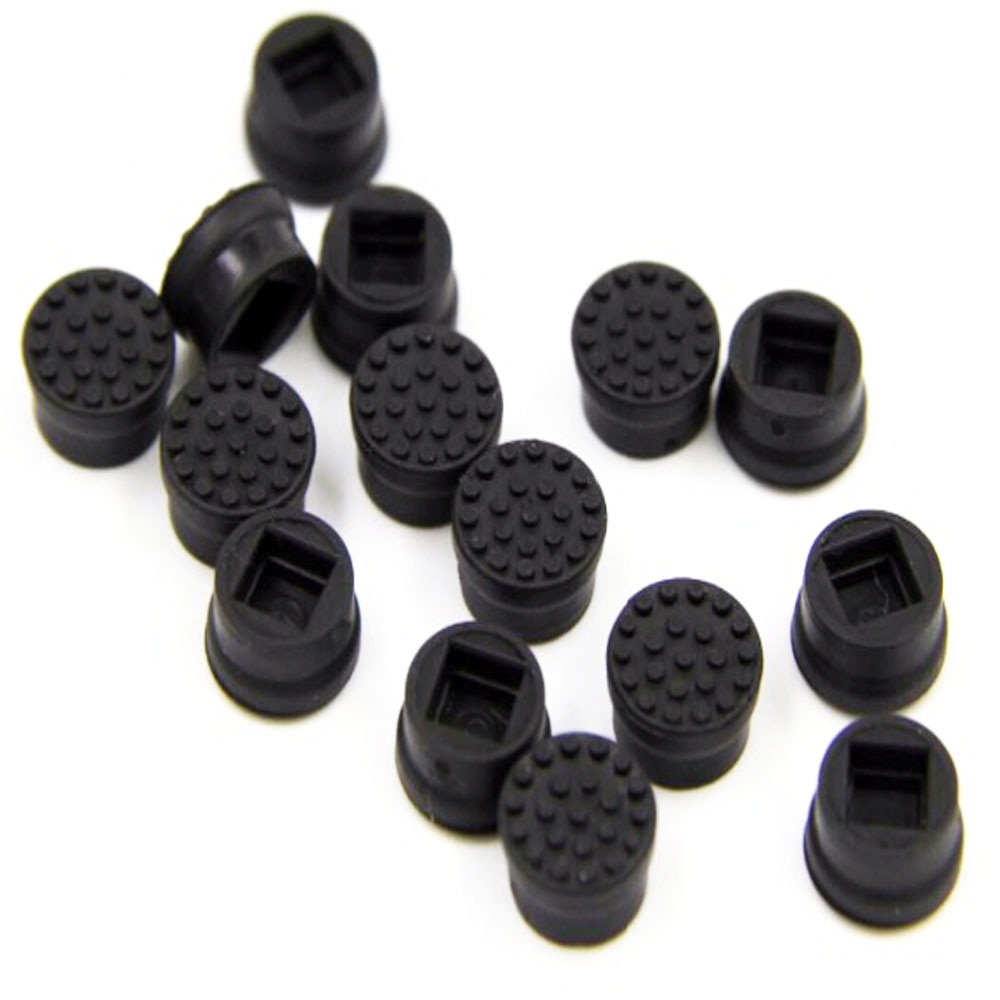
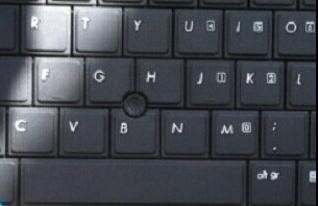
10x Laptop Trackpoint Cap - HP Keyboard Pointer Stick - Black Replacement
Trackpoint Replacement Caps for HP Laptops
Restore precise cursor control with this 10-pack of black trackpoint pointer caps, specifically designed for HP laptop keyboards. These original replacement caps ensure a tactile and responsive surface for your trackpoint system.
Why Choose These Trackpoint Caps?
Each cap is crafted to fit HP laptop keyboards, acting as a direct replacement for worn or damaged trackpoint 'little dot' caps. The model number associated with these caps is 'Mouse black Stick Point Cap For HP Laptop Keyboard Trackpoint', ensuring compatibility with specified HP models.
Easy Installation and Durability
These trackpoint caps are designed for simple, tool-free installation, allowing you to quickly refresh your laptop's keyboard. The durable construction ensures longevity, providing a reliable solution for everyday use.
Specifications:
- Brand Name: WSSFARR
- Model Number: Mouse black Stick Point Cap For HP Laptop Keyboard Trackpoint
Frequently Asked Questions:
Are these trackpoint caps compatible with all HP laptops?
These caps are designed for HP laptop keyboards with a trackpoint system, identified by the model number 'Mouse black Stick Point Cap For HP Laptop Keyboard Trackpoint'. Please verify compatibility with your specific HP model.
What is included in this purchase?
This purchase includes a pack of 10 original black trackpoint pointer caps for HP laptop keyboards. They are designed as direct replacements for your existing trackpoint 'little dot' caps.
How do I install these trackpoint caps?
Installation is simple and tool-free. Gently remove the old cap and press the new black trackpoint cap firmly into place on your HP laptop's trackpoint.
- Free shipping*
- 100 days returns
- Low prices
- 5 million products