- Free shipping*
- 100 days returns
- Low prices
- 5 million products
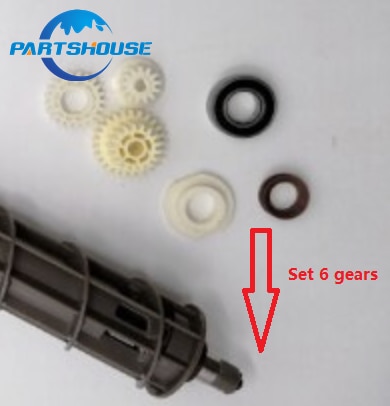
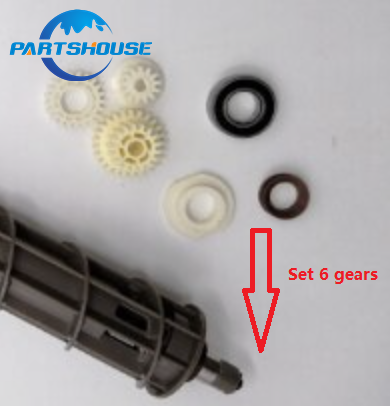
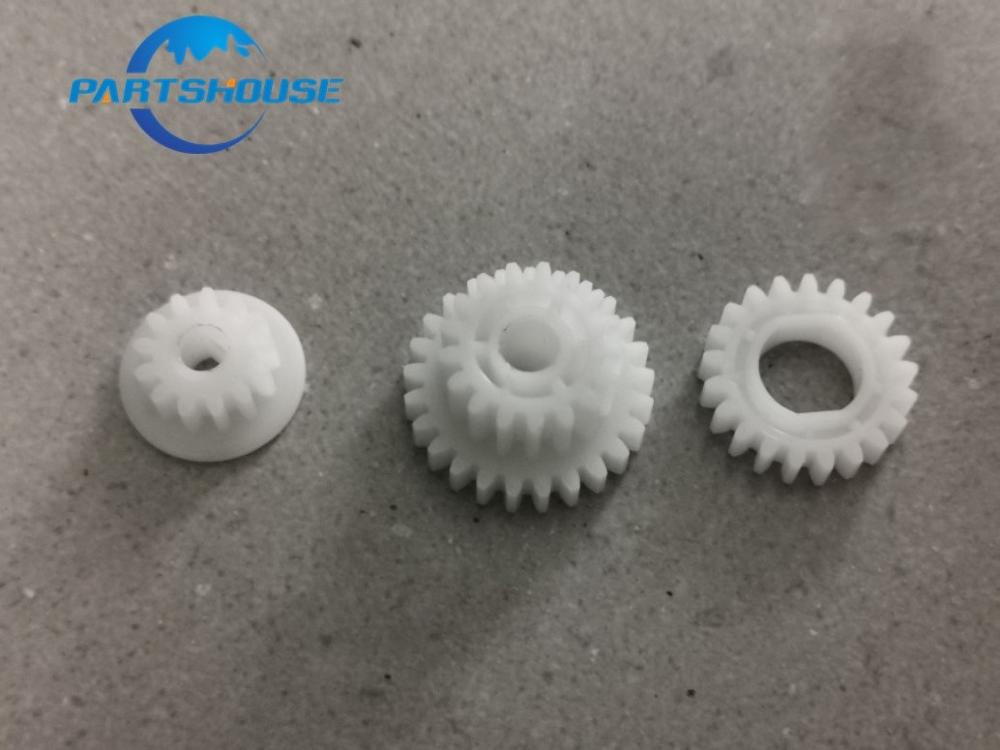
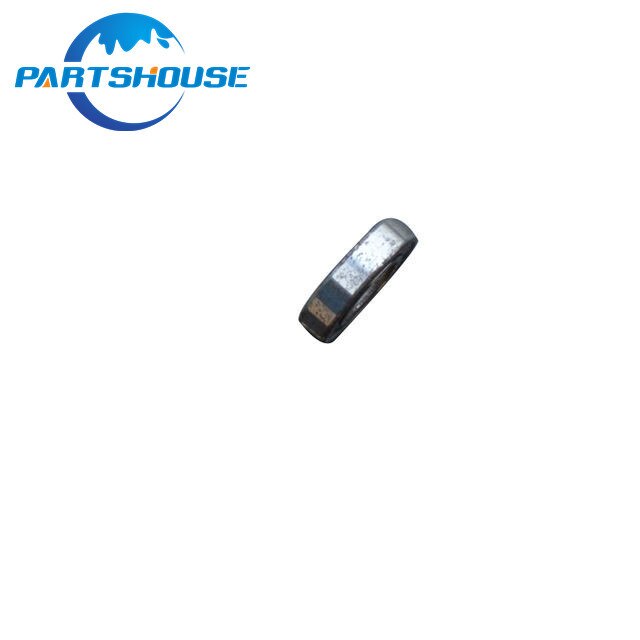
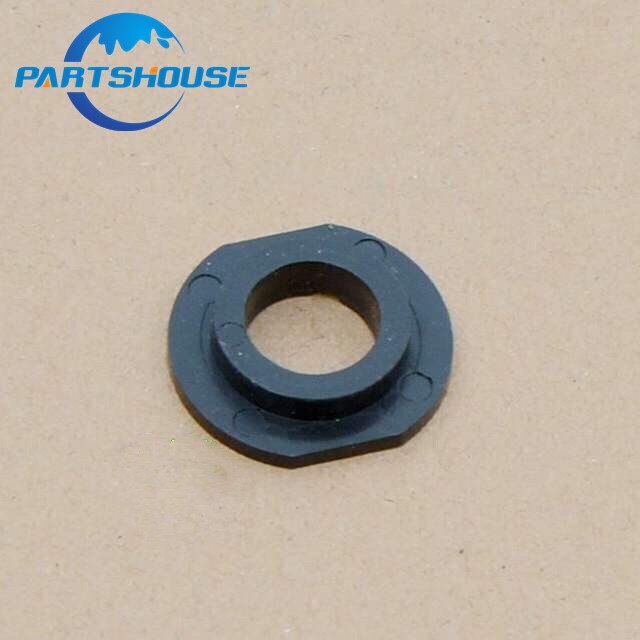
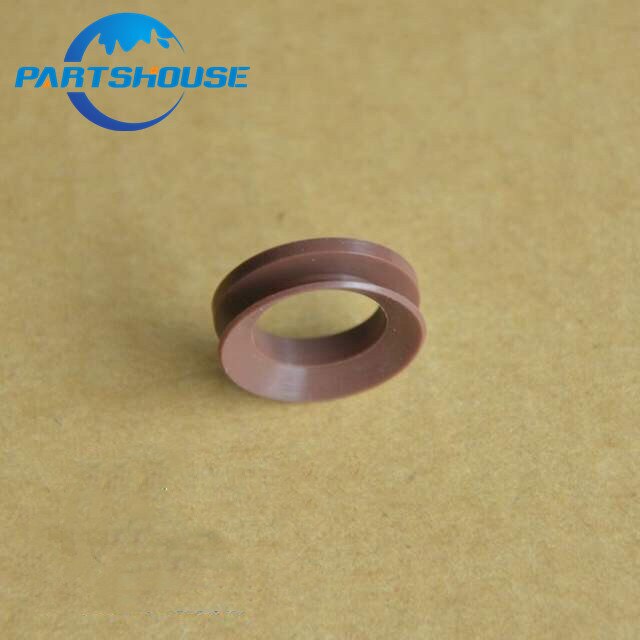
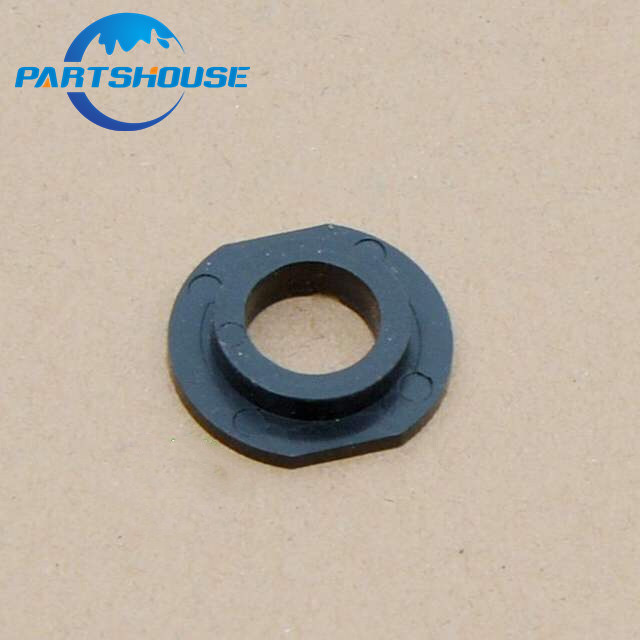
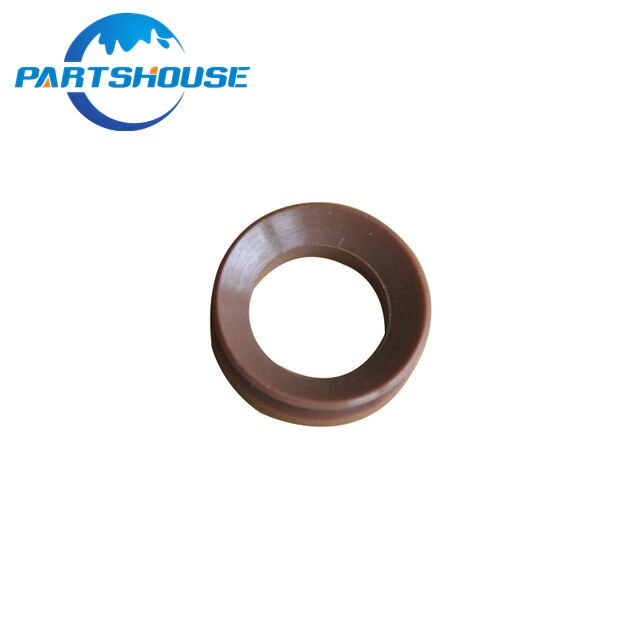
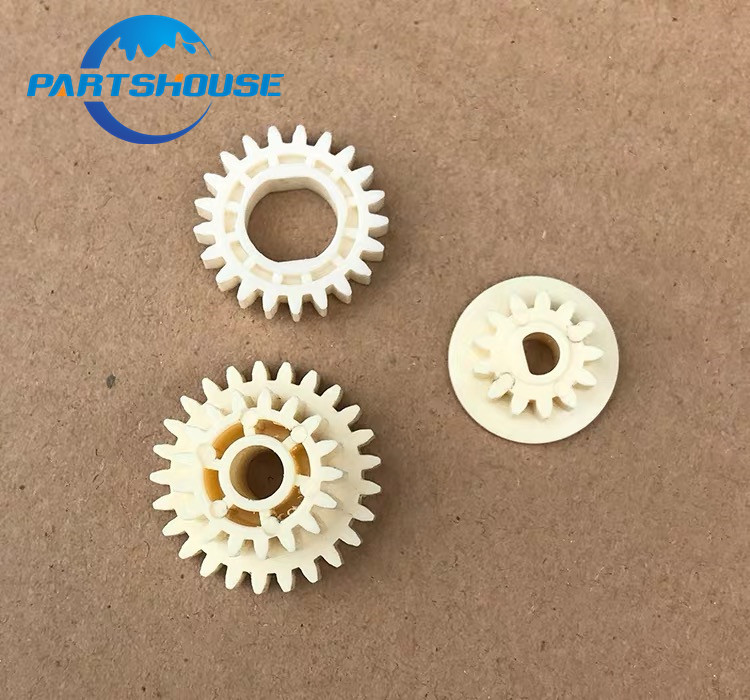
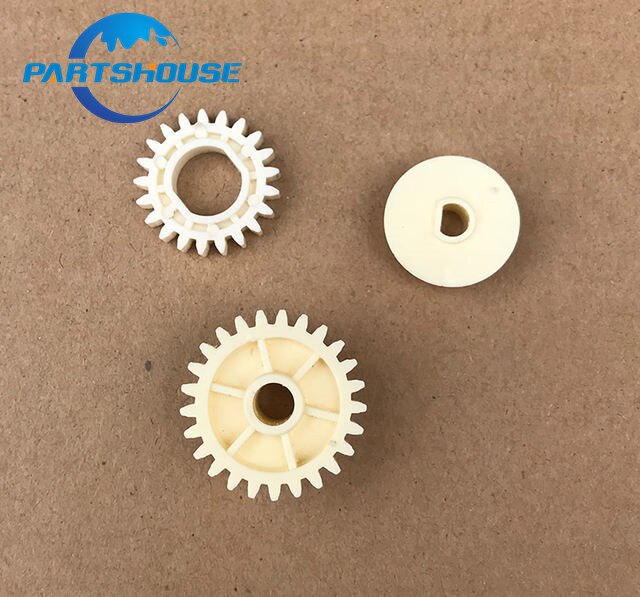
Developer Magnetic Gear Kit - 6pcs Set - for Ricoh MP4000 3500 4500 AF2035 1035 1045 2035 2045 3035 3045
Quick Answer
- Essential 6-piece developer magnetic gear kit for Ricoh printers.
- Includes parts for models like MP4000, 3500, 4500, AF2035, and more.
- Replaces worn or damaged developer unit gears to restore print quality.
What is a Developer Magnetic Gear Kit?
This comprehensive 6-piece developer magnetic gear kit is specifically designed to maintain and repair the developer units in compatible Ricoh printer models. It provides the necessary components to ensure the developer roller spins correctly, transferring toner evenly onto the photoreceptor drum for consistent print quality.
The kit includes essential gears identified by part numbers AB01-4060, AB01-4061, and AB01-4062, crucial for the proper functioning of the developer system.
Which Ricoh Printers are Compatible?
This developer magnetic gear kit is compatible with a wide range of Ricoh printer models, ensuring broad applicability for service technicians and businesses. Proper installation of these gears can resolve issues such as faded prints, toner smudges, or complete failure of the developer unit.
Key compatible models include the Ricoh MP4000, MP3500, MP4500, AF2035, AF1035, 1045, 2035, 2045, 3035, and 3045. Always verify your specific model number before ordering.
How to Install the Developer Magnetic Gear Kit
Installation of the developer magnetic gear kit involves accessing the printer's developer unit and carefully replacing the worn or damaged gears. This process typically requires basic technical knowledge of printer maintenance and the use of appropriate tools.
Refer to your specific Ricoh printer's service manual for detailed step-by-step instructions on how to safely remove and install the developer unit components. Ensuring correct alignment and secure fitting of each gear is critical for optimal performance and longevity.
Key Specifications
This kit contains 6 individual gear components, crucial for the functional integrity of the developer system in compatible Ricoh printers.
Specifications:
- Brand Name: Parts House
Frequently Asked Questions:
What is included in the developer magnetic gear kit?
The kit includes 6 essential developer magnetic gear components, identified by part numbers AB01-4060, AB01-4061, and AB01-4062. These are vital for the proper functioning of the developer unit in compatible printers.
Which Ricoh printer models are compatible with this kit?
This kit is compatible with a range of Ricoh models including MP4000, MP3500, 4500, AF2035, AF1035, 1045, 2035, 2045, 3035, and 3045. Always confirm your specific model number.
Why is a developer magnetic gear kit important for my printer?
This kit is crucial for maintaining the developer unit, which ensures even toner transfer for consistent print quality. Replacing worn gears can resolve issues like faded prints or toner smudges, restoring optimal printer performance.
How do I install the developer magnetic gear kit?
Installation requires accessing the printer's developer unit and replacing the gears. It's recommended to consult your specific Ricoh printer's service manual for detailed, step-by-step instructions to ensure correct installation.
- Free shipping*
- 100 days returns
- Low prices
- 5 million products