• Free shipping*
  • 100 days returns
  • Low prices
  • 5 million products
24/7 service
2 Port Network Switch - 100MHz Ethernet Shared Equipment Adapter - Dual Port Manual Sharing
2 Port Network Switch - 100MHz Ethernet Shared Equipment Adapter - Dual Port Manual Sharing: Default Title

2 Port Network Switch - 100MHz Ethernet Shared Equipment Adapter - Dual Port Manual Sharing

SKU: AC-X95JNWP9709

Verified Shop Reviews on

Price

A$27.39

Free shipping*

MSRP:A$30.09
discount
A$2.70

Secure payment

Advantages

  • Free shipping*
  • 100 days returns
  • Low prices

2 Port Network Switch - 100MHz Ethernet Shared Equipment Adapter - Dual Port Manual Sharing

Quick Answer

  • Manually switch between two network devices using a single Ethernet port.
  • Supports 100MHz bandwidth for reliable data transfer.
  • Compact and easy to use, no power required.
  • Ideal for sharing printers, scanners, or network access.

What is a Manual Network Switch?

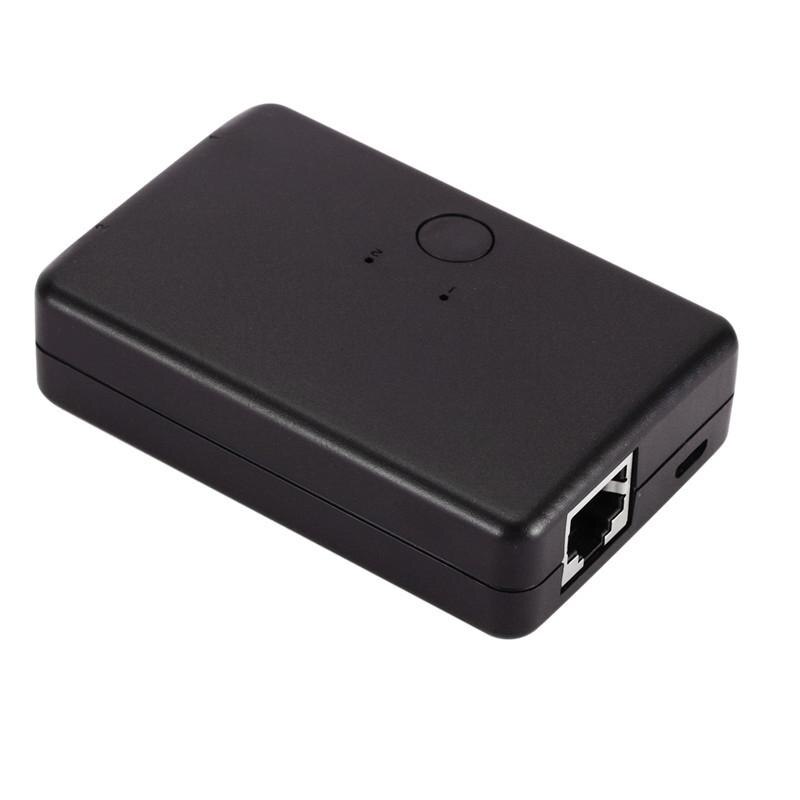
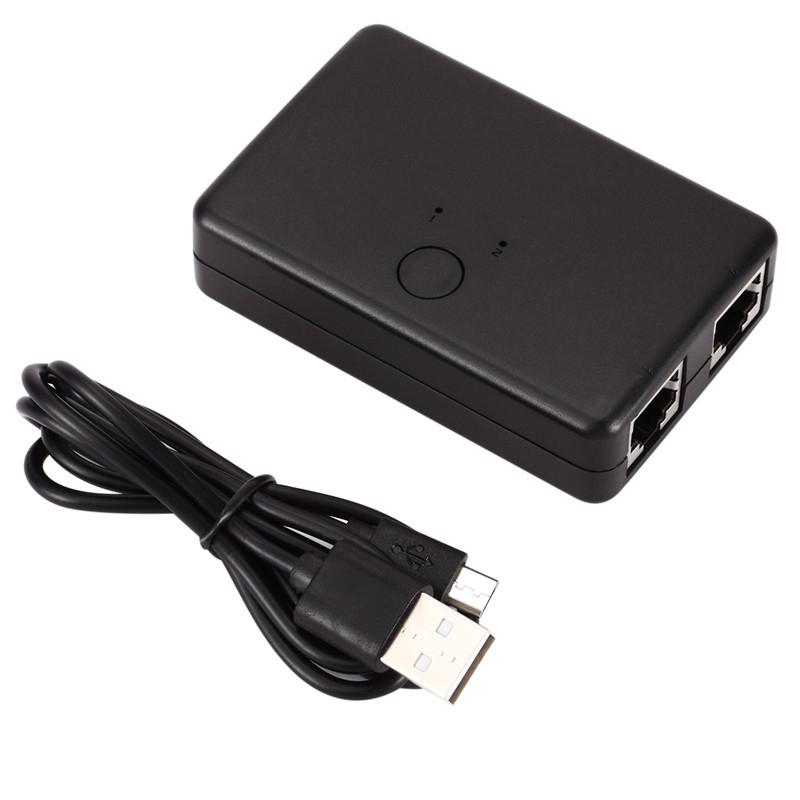
A manual network switch allows you to connect two different network devices to a single network port, switching between them with a physical button. This EastVita model provides a simple, power-free solution for sharing network resources like printers or internet connections between two computers or devices.

It supports a switch capacity of 100MHz, ensuring adequate bandwidth for most standard network tasks. The half-duplex communication mode means data can only travel in one direction at a time, which is typical for manual sharing devices.

How Does This Network Switch Work?

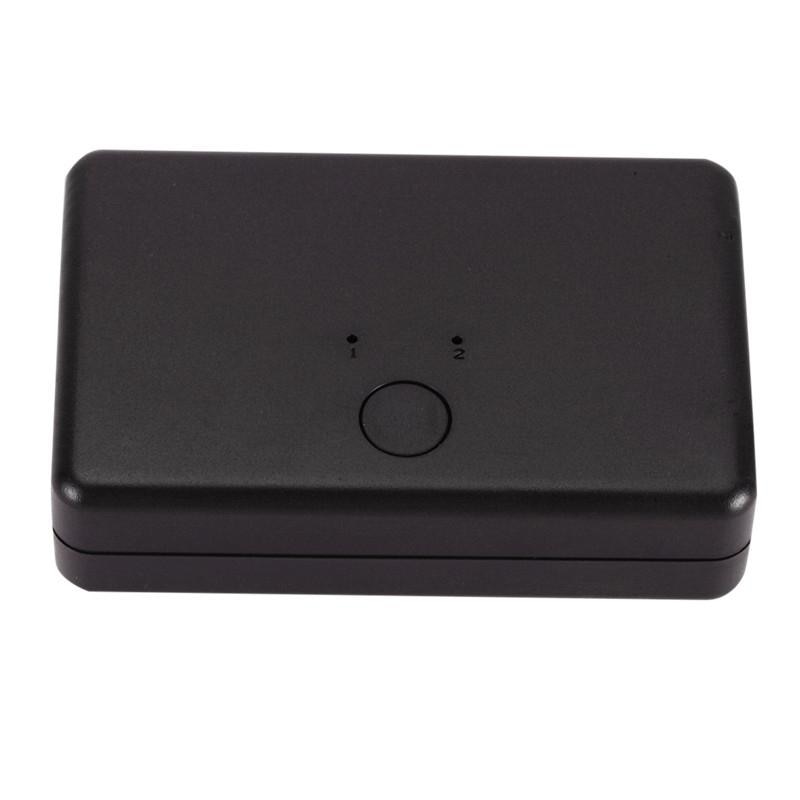
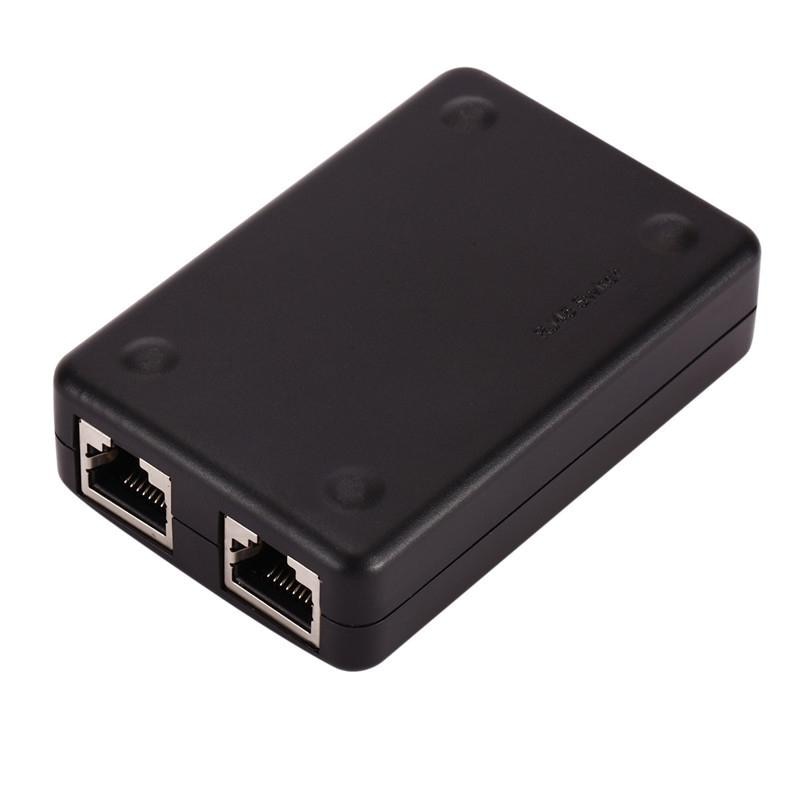
This network switch operates on a simple mechanical principle, requiring no external power source. You connect your main network cable to the 'In' port and then connect two separate devices (e.g., two computers) to the 'Out' ports. A physical button on the device allows you to select which of the two 'Out' ports is currently active and connected to the network.

This is particularly useful in home or small office environments where you might want to share a single internet connection or a network printer between two computers without needing a more complex network setup.

Key Features and Specifications

The EastVita network switch is designed for straightforward network sharing. Its 100MHz capacity is suitable for standard Ethernet speeds, and the manual operation ensures simplicity and reliability.

  • Switch Capacity: 100MHz
  • Ports: 2 In, 1 Out (Manual Sharing)
  • Communication Mode: Half-Duplex
  • Power: Not Required
  • Brand: EastVita

Specifications:

  • Brand Name: EastVita
  • Communication Mode: Half-Duplex
  • Switch Capacity: 100MHz

Frequently Asked Questions:

What is the maximum speed supported by this network switch?

This network switch supports a capacity of 100MHz. This is suitable for standard Ethernet data transfer needs.

Does this network switch require a power adapter?

No, this is a manual network switch and does not require any external power source to operate. It's a simple plug-and-play device.

How do I switch between the two connected devices?

You can switch between the two connected devices by simply pressing the physical button located on the switch unit. This selects which output port is active.

What is the communication mode of this network switch?

The communication mode for this device is half-duplex. This means data can only travel in one direction at a time, which is standard for manual sharing switches.


  • Free shipping*
  • 100 days returns
  • Low prices
  • 5 million products