- Free shipping*
- 100 days returns
- Low prices
- 5 million products
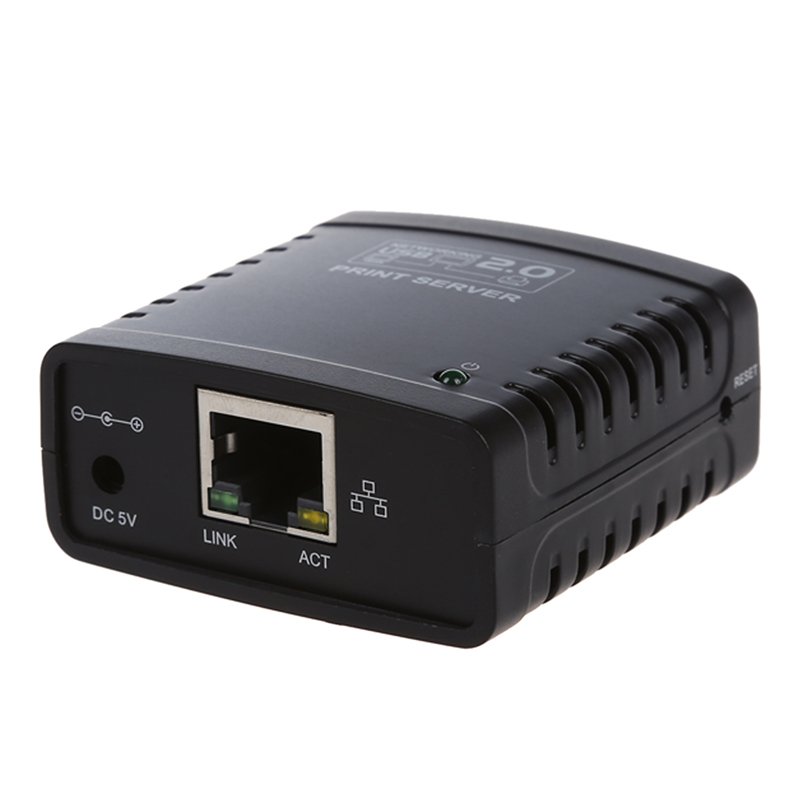
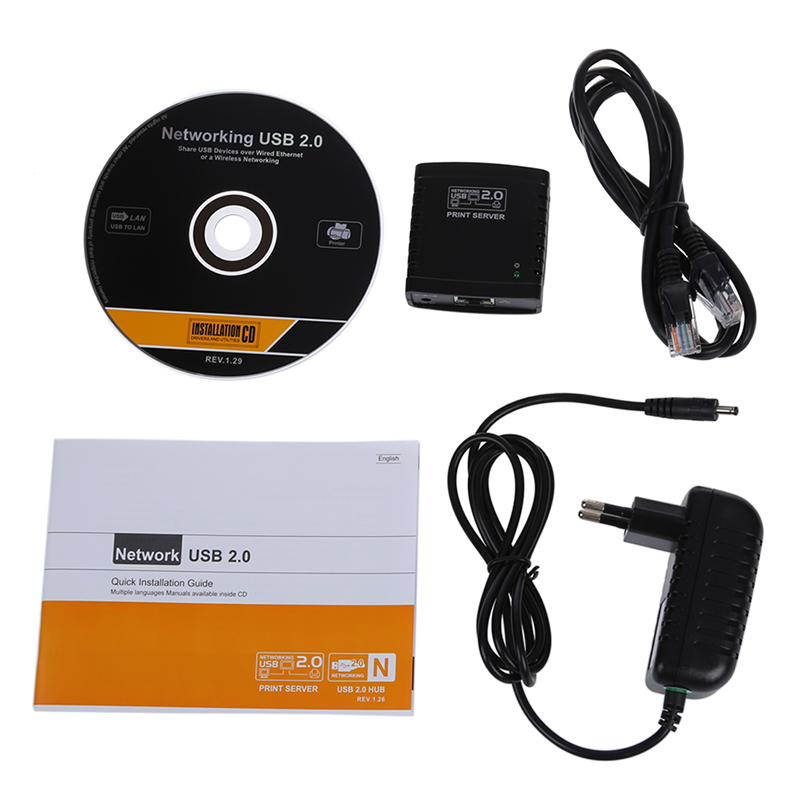
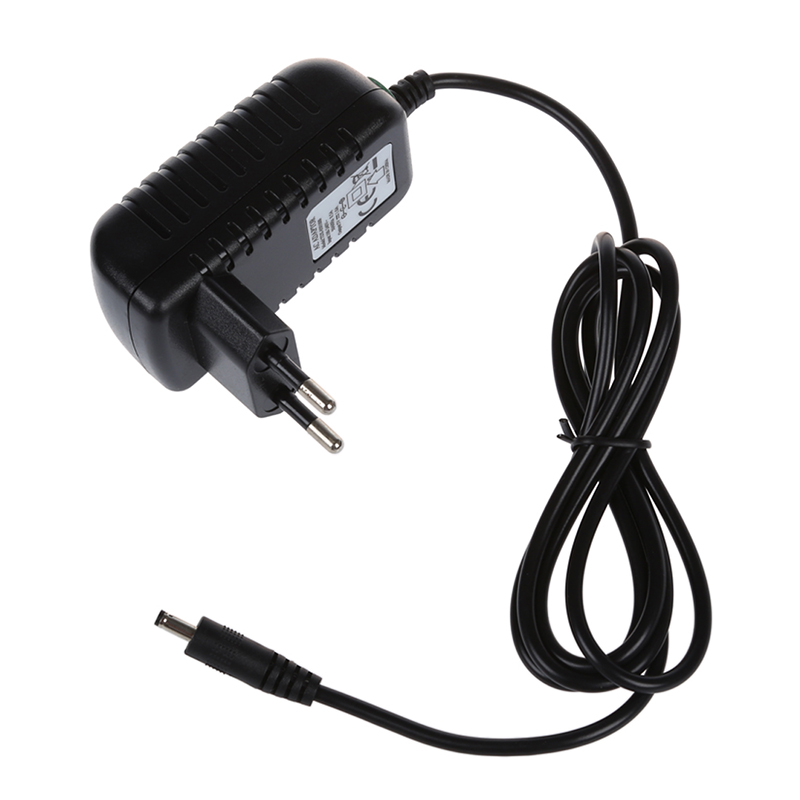
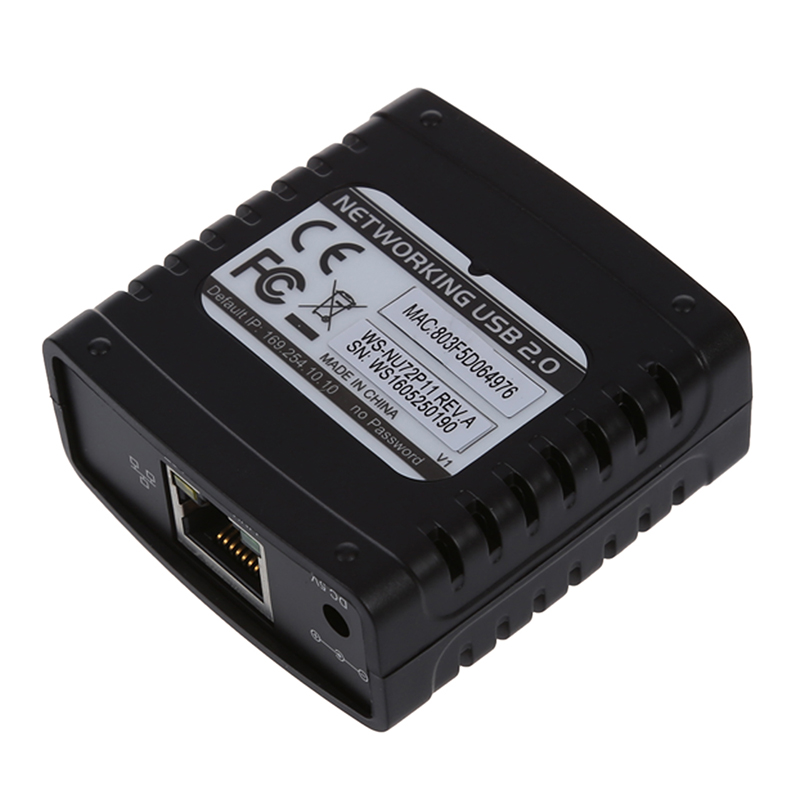
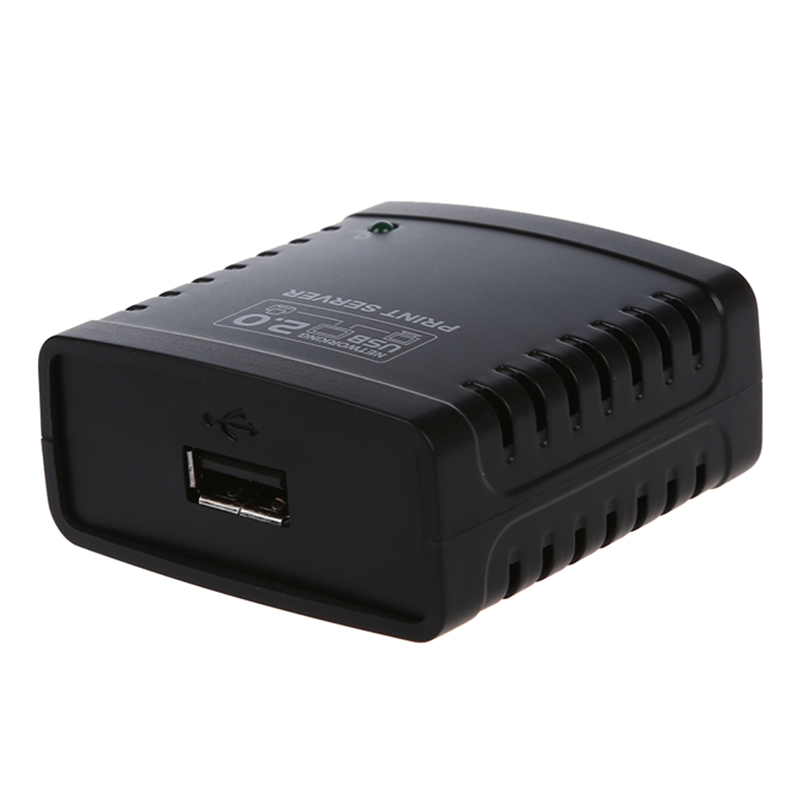
USB 2.0 Print Server - Ethernet Network LPR for LAN Printers Share - Black
Share Your Printer Easily
The comfast USB 2.0 Print Server enables seamless sharing of your USB printer across your Local Area Network (LAN) via Ethernet. This device allows multiple computers to connect to and print from a single USB printer, eliminating the need for direct connection to each PC.
How does the USB 2.0 Print Server work?
This print server utilizes the LPR (Line Printer Remote) protocol over an Ethernet connection to manage print jobs from various devices on your network. Simply connect your USB printer to the print server, connect the server to your network router or switch, and configure it for network access.
Key Features and Specifications
- **Interface Type:** USB 2.0
- **Network Connectivity:** Ethernet LAN
- **Protocol Support:** LPR
- **Brand:** comfast
- **Functionality:** Enables network printing for USB printers
Specifications:
- Package: Yes
- Interface Type: USB
- Brand Name: comfast
Frequently Asked Questions:
What is a USB 2.0 print server?
A USB 2.0 print server is a device that connects your USB printer to an Ethernet network, allowing multiple computers to share the printer without being directly connected.
How do I connect my printer to the network with this device?
Connect your USB printer to the print server's USB port, connect the print server to your router or switch via Ethernet, and then configure the print server settings on your computer.
Is this print server compatible with all USB printers?
This print server is designed to work with most standard USB printers that support LPR protocol over a network. Compatibility may vary depending on the specific printer model and its drivers.
What is LPR protocol?
LPR (Line Printer Remote) is a network printing protocol that allows computers to send print jobs to a remote printer server over a TCP/IP network.
- Free shipping*
- 100 days returns
- Low prices
- 5 million products