- Free shipping*
- 100 days returns
- Low prices
- 5 million products
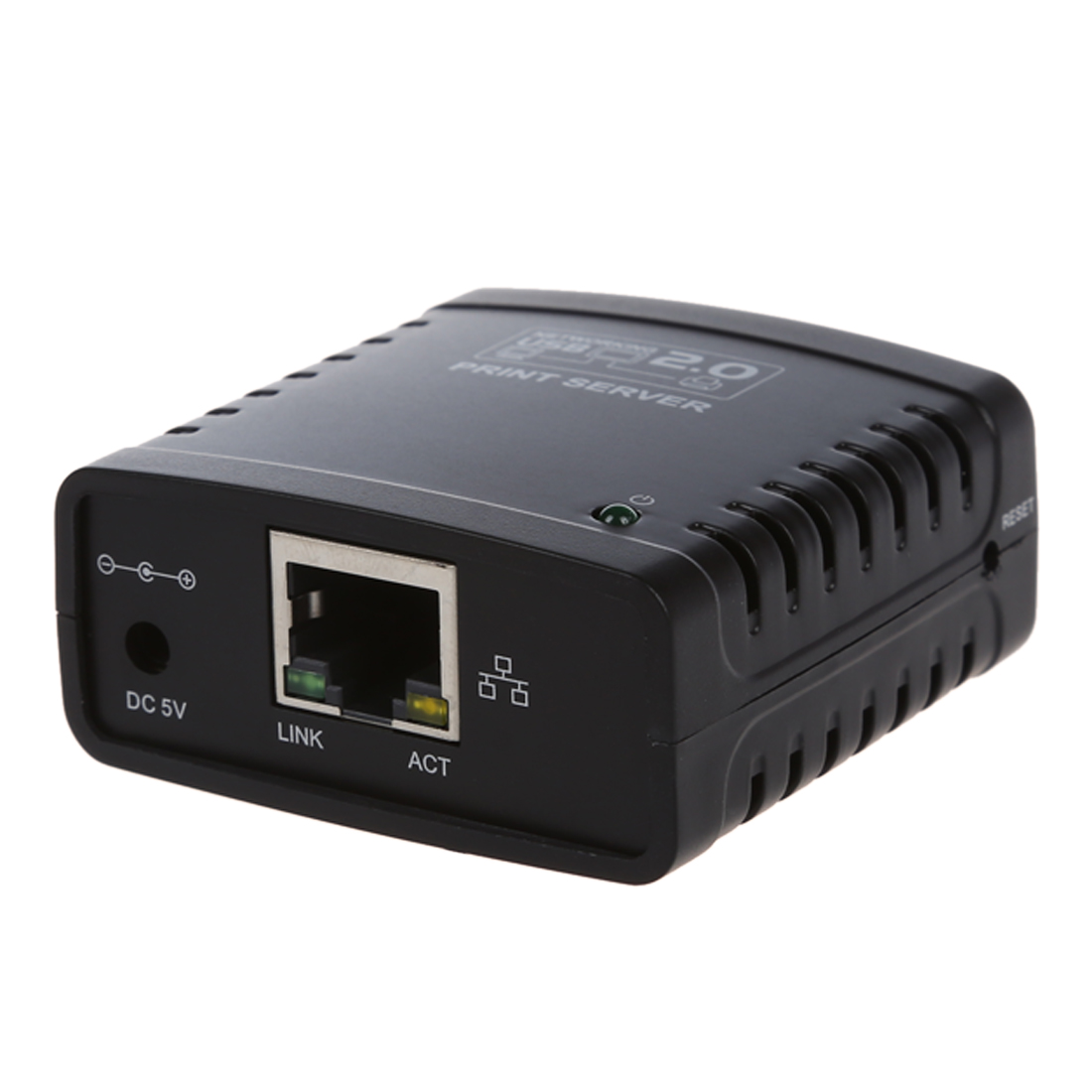


USB 2.0 Print Server - Ethernet Network LPR for LAN Printers - Share Black
Share Your Printer Easily
Connect any standard USB printer to your network with this USB 2.0 Print Server. It allows multiple computers on your Local Area Network (LAN) to share a single printer, eliminating the need for direct USB connections to each device.
Key Features and Connectivity
This print server utilizes Ethernet networking for reliable connectivity. Its LPR (Line Printer Remote) protocol ensures efficient data transfer for printing tasks. The USB 2.0 interface is compatible with a wide range of printers, making it a versatile solution for various setups.
Is it easy to set up?
Setup is straightforward, allowing you to quickly integrate your printer into your network. Simply connect the print server to your printer via USB and to your router or switch via Ethernet. The compact design ensures it won't take up much space.
Specifications:
- Model Number: Network Print Servers
Frequently Asked Questions:
What is a USB 2.0 Ethernet print server?
A USB 2.0 Ethernet print server allows you to connect a USB printer to your network, enabling multiple computers to share it wirelessly or via LAN. It acts as a bridge between your printer and the network.
How do I connect my printer using this device?
Connect your USB printer to the print server's USB port and the print server to your network router or switch using an Ethernet cable. Then, follow the setup instructions to add the printer to your computers.
Is this print server compatible with all printers?
This print server is designed for standard USB printers. While it supports a wide range, compatibility with highly specialized or multifunction printers (like all-in-one fax/scanner/copiers) may vary. Always check specific model compatibility if unsure.
What network protocol does this print server use?
This print server supports the LPR (Line Printer Remote) protocol, which is a standard network printing protocol used for sending print jobs over TCP/IP networks.
- Free shipping*
- 100 days returns
- Low prices
- 5 million products