- Free shipping*
- 100 days returns
- Low prices
- 5 million products

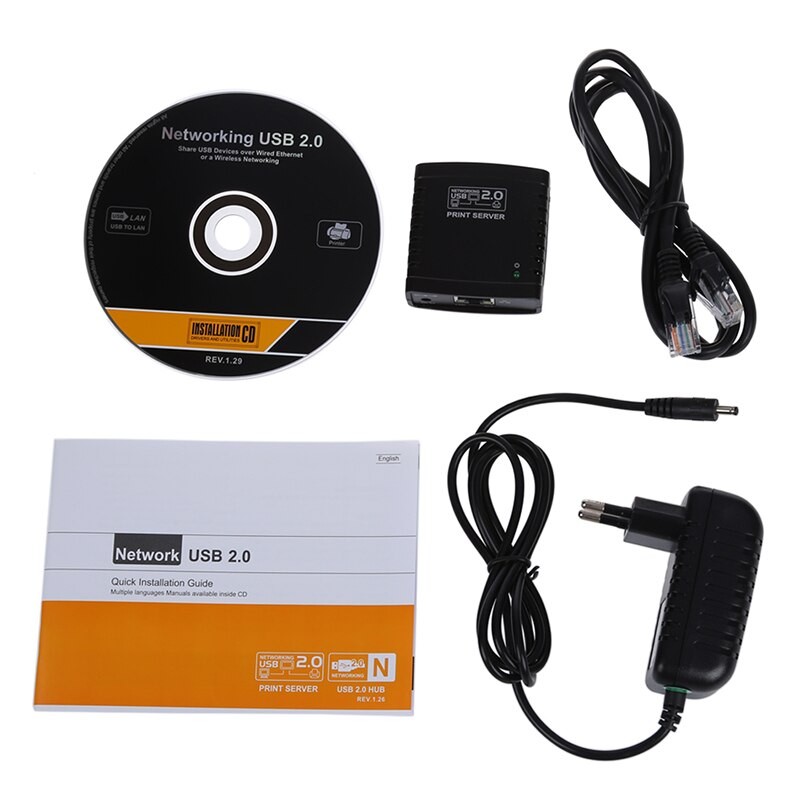

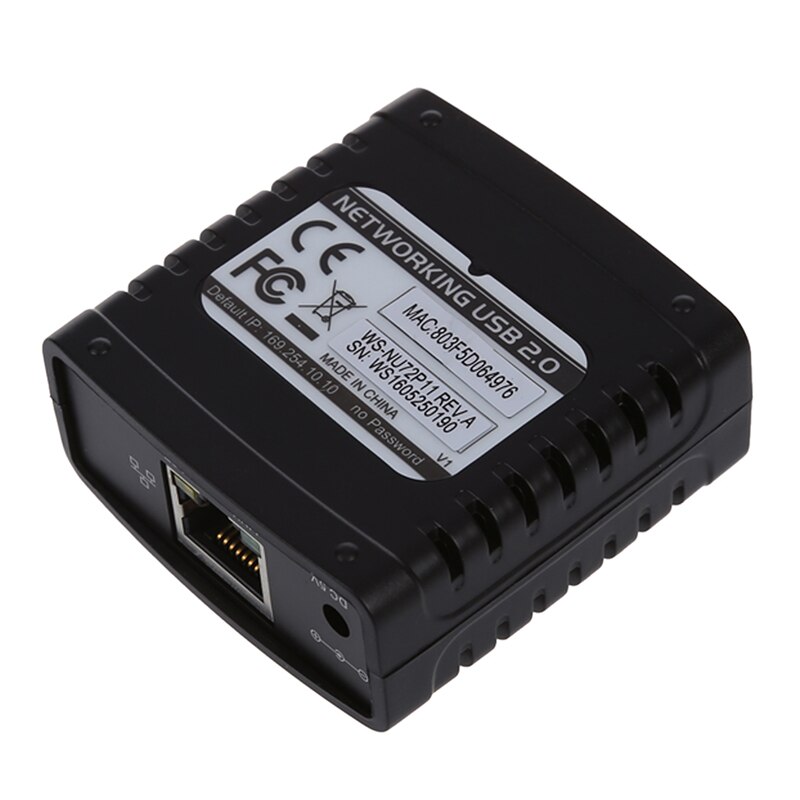
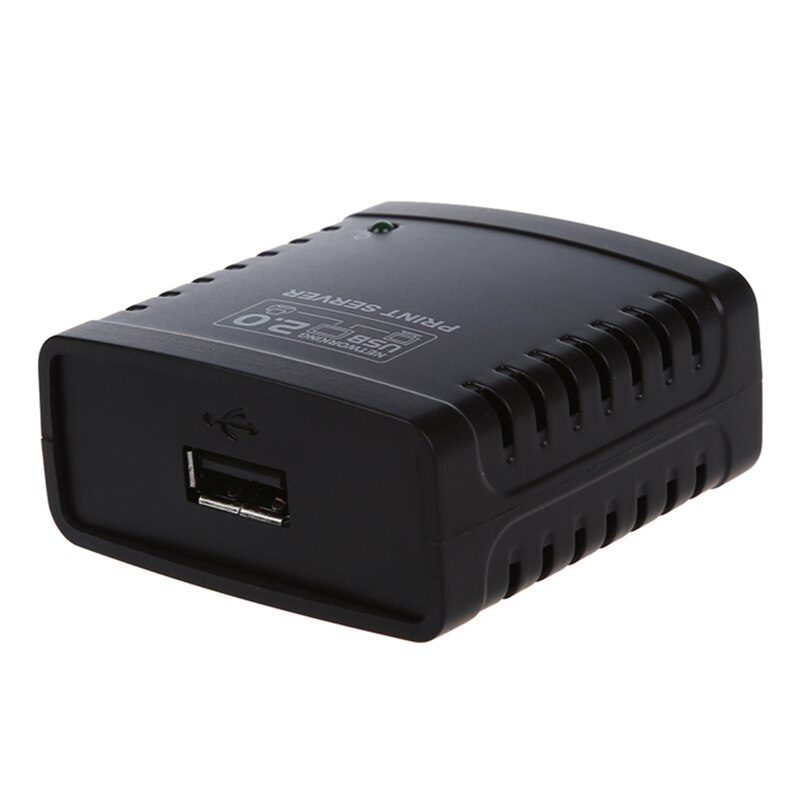
USB 2.0 Print Server - Ethernet Network LPR Adapter for LAN Printers - Share Black
Share Your Printer Effortlessly
This USB 2.0 Print Server allows you to easily share a single USB printer among multiple users on your local area network (LAN) via an Ethernet connection. It acts as a bridge, enabling network-based printing without needing a dedicated computer to be constantly on.
How does the USB 2.0 Print Server work?
Simply connect your USB printer to the print server, and then connect the print server to your network router or switch using an Ethernet cable. You can then install the necessary drivers and configure the server to allow any computer on the network to send print jobs to your shared printer.
Key Features and Benefits
- **Network Printer Sharing:** Connect a standard USB printer to your Ethernet network, making it accessible to multiple users.
- **LPR Protocol Support:** Utilizes the Line Printer Remote (LPR) protocol for efficient and reliable network printing.
- **USB 2.0 Interface:** Ensures fast data transfer speeds between the printer and the network.
- **Wide Compatibility:** Designed to work with a broad range of USB printers.
- **Compact and Easy to Install:** Small footprint saves space, and setup is straightforward for most users.
Specifications
Specifications:
- Interface Type: USB 2.0
Frequently Asked Questions:
Can I connect any USB printer to this print server?
This USB 2.0 print server is designed to be compatible with a wide range of USB printers. However, specific compatibility may depend on the printer's driver and the operating system used for configuration.
How do I set up the USB print server?
Setup involves connecting your USB printer to the print server, connecting the print server to your network via Ethernet, and then installing the server's software or drivers on your computer to manage shared printing.
What is the LPR protocol?
LPR (Line Printer Remote) is a network printing protocol that allows computers to send print jobs to a remote printer over a TCP/IP network, commonly used for sharing printers in LAN environments.
Does this print server require a computer to be on?
No, once configured, the print server allows you to share your printer over the network without needing a dedicated computer to be constantly running. Print jobs are sent directly to the server.
- Free shipping*
- 100 days returns
- Low prices
- 5 million products