- Free shipping*
- 100 days returns
- Low prices
- 5 million products
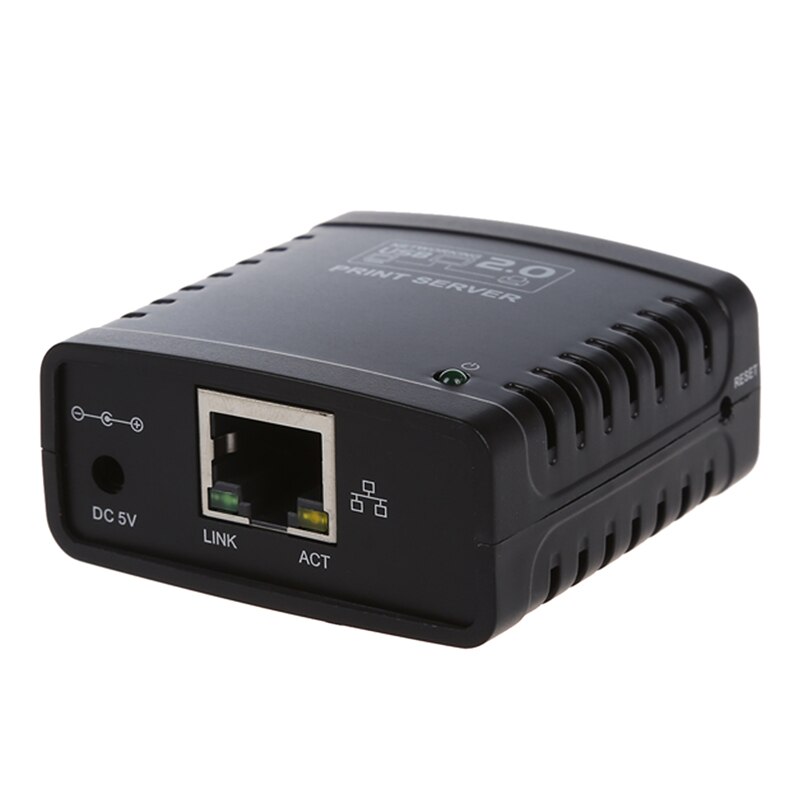
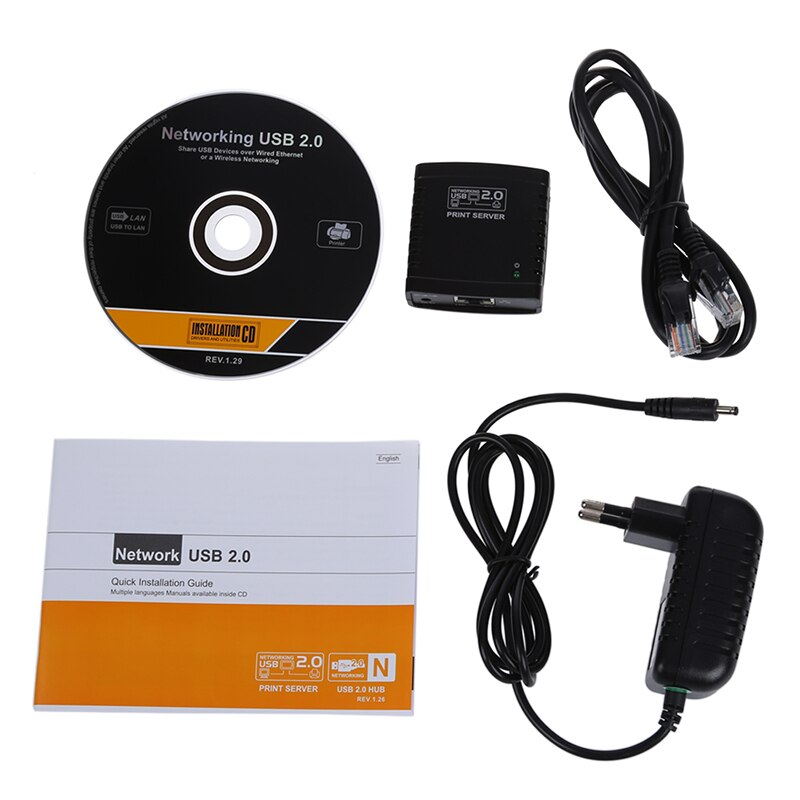
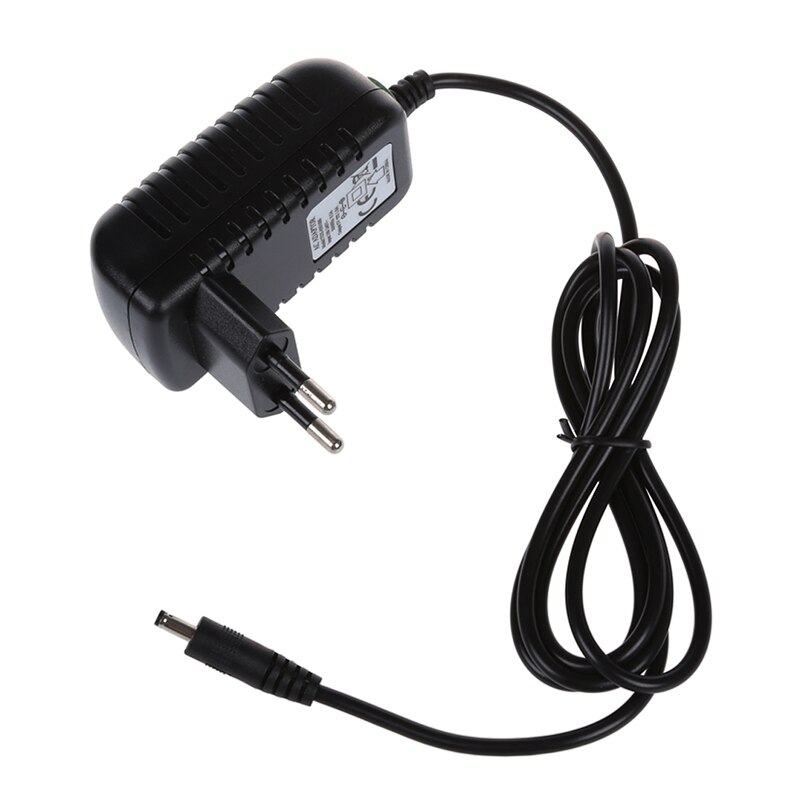
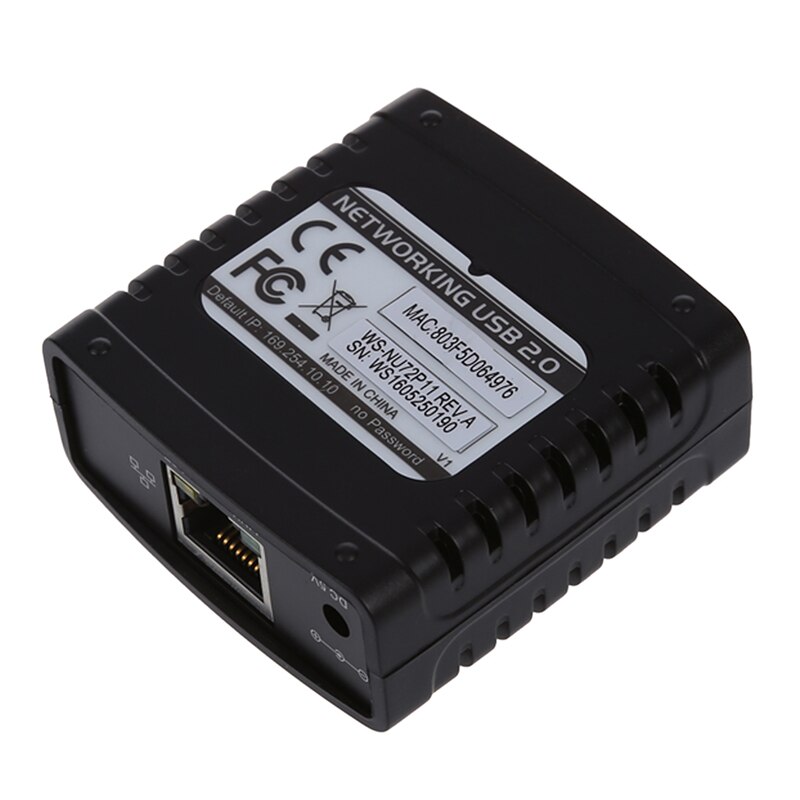
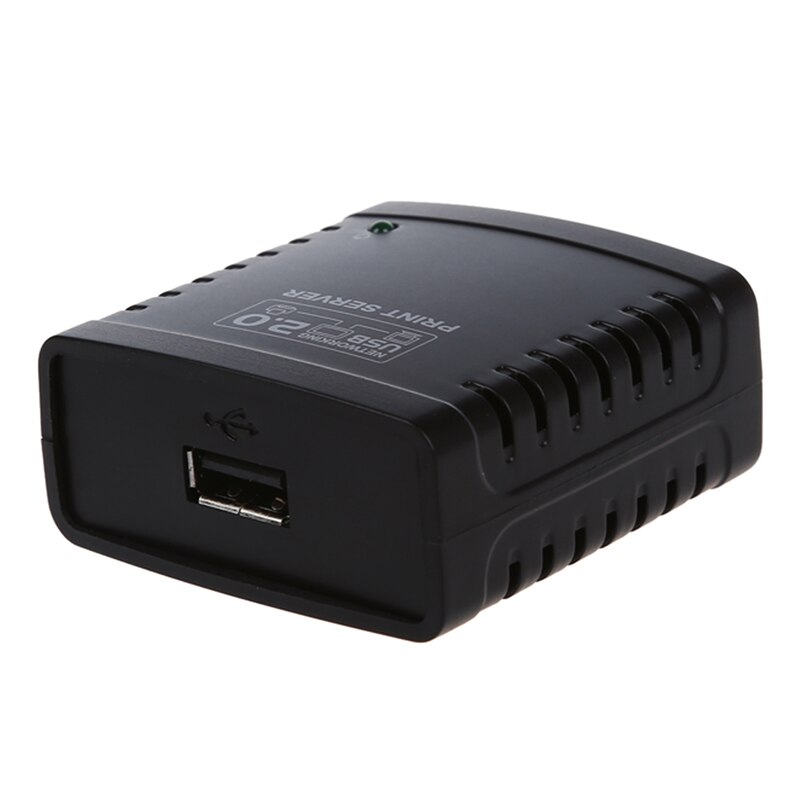
Print Server USB 2.0 Ethernet Network LPR for LAN Printers Share
Share Your USB Printer Easily
The Jakcom USB 2.0 Print Server is designed to make your USB printer accessible to multiple computers on your local area network (LAN). This device bridges the gap between your USB printer and your Ethernet network, allowing seamless sharing without needing a dedicated computer to be constantly on.
How Does the Print Server Work?
This print server utilizes the LPR (Line Printer Remote) protocol to enable network printing. Simply connect your USB printer to the print server's USB port and then connect the print server to your router or switch via its Ethernet port. Once configured, any computer on the same LAN can send print jobs to the shared printer.
Key Features and Compatibility
Featuring a USB 2.0 interface, this print server ensures a stable connection for your printer. Its compact design makes it easy to place on any desk or shelf. It is compatible with a wide range of standard USB printers, offering a versatile solution for home and small office environments.
Specifications
- Interface Type: USB 2.0
- Network Protocol: LPR
- Connectivity: Ethernet LAN
- Brand: Jakcom
Specifications:
- Interface Type: USB
- Brand Name: jakcom
Frequently Asked Questions:
How do I connect a USB printer to my network with this device?
Connect your USB printer to the print server's USB port and the print server to your router via Ethernet. Then, follow the setup instructions to make it accessible on your LAN.
What network protocol does this print server use?
This print server uses the LPR (Line Printer Remote) protocol, which is a standard for network printing that allows multiple computers to send print jobs to a shared printer.
Is this print server compatible with all USB printers?
It is designed to be compatible with most standard USB printers. However, it's always recommended to check specific compatibility if you have an unusual or specialized printer model.
- Free shipping*
- 100 days returns
- Low prices
- 5 million products