- Free shipping*
- 100 days returns
- Low prices
- 5 million products
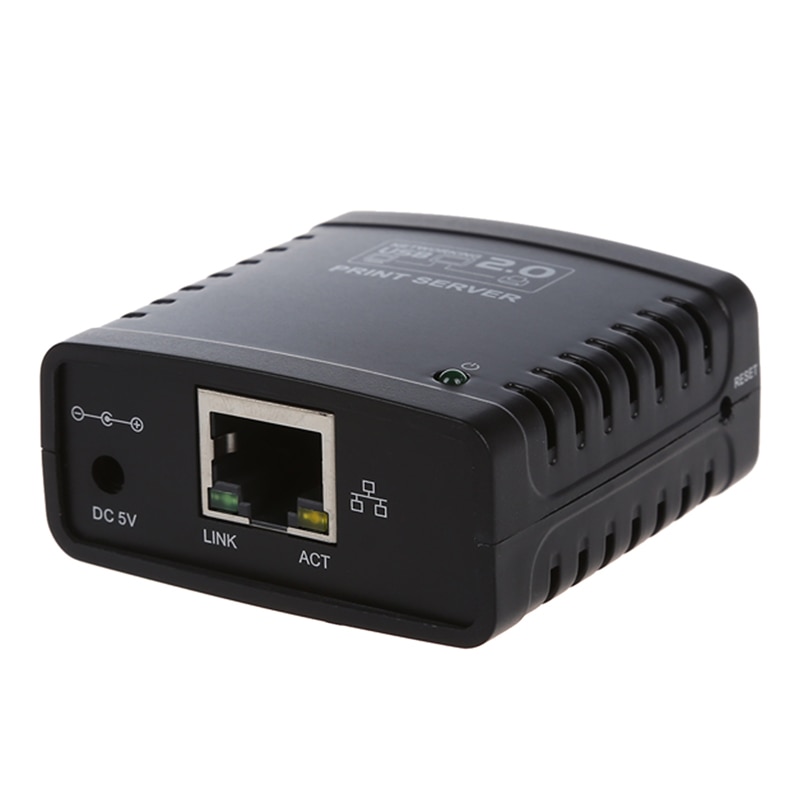
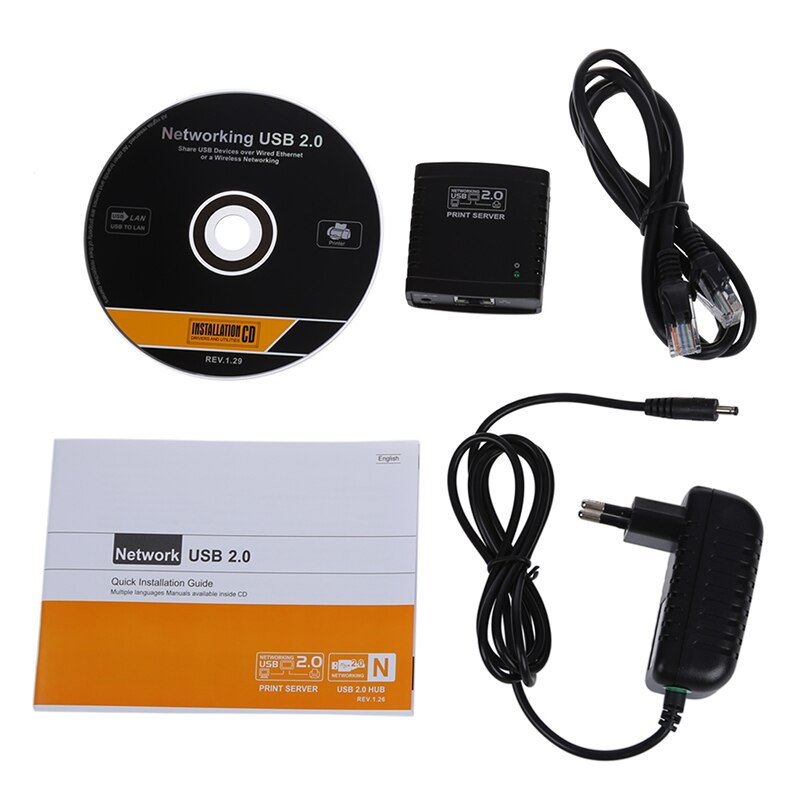
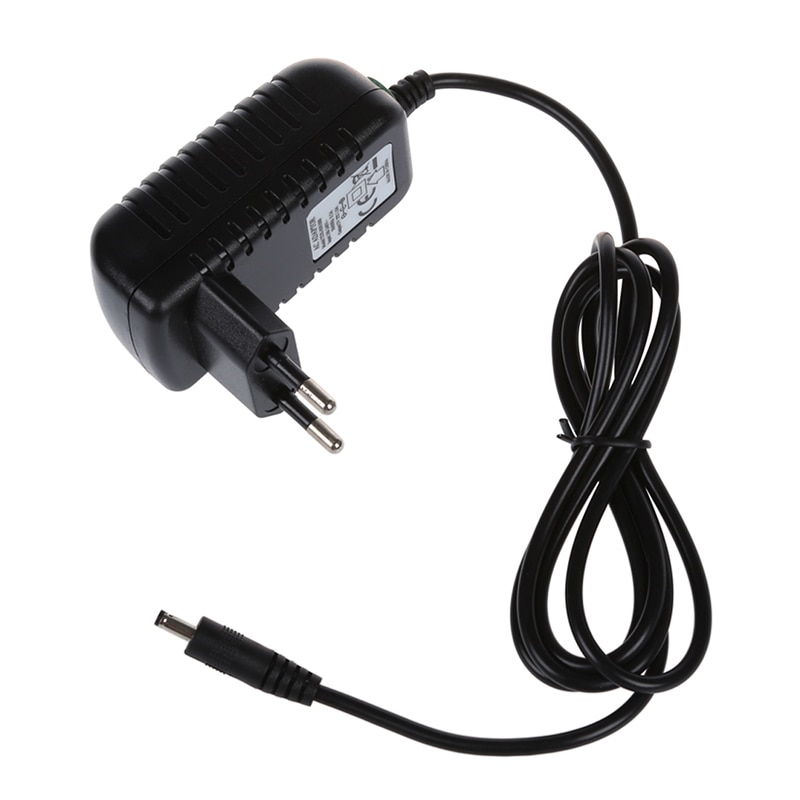
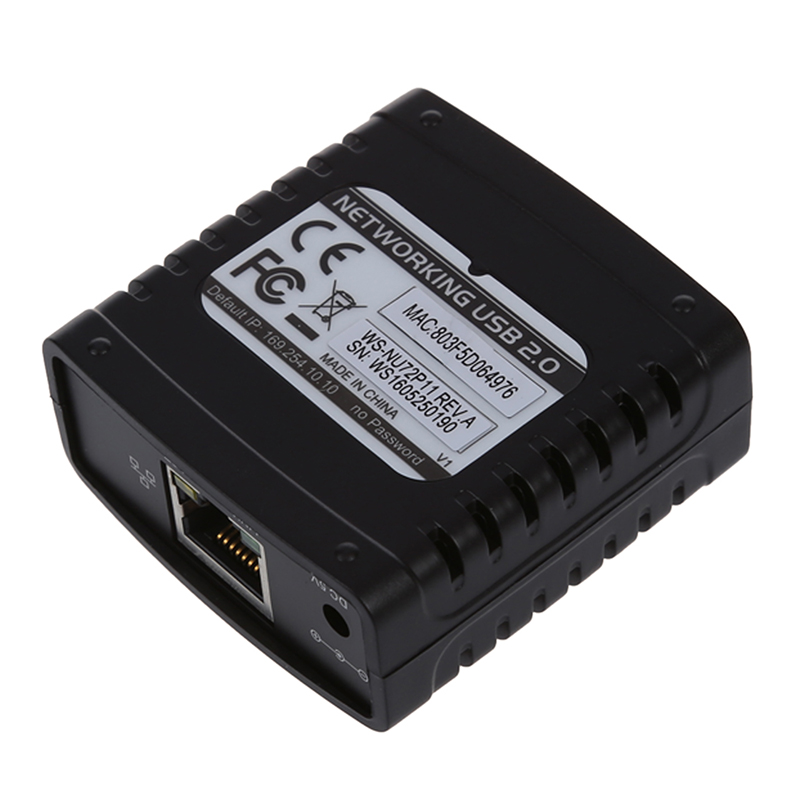
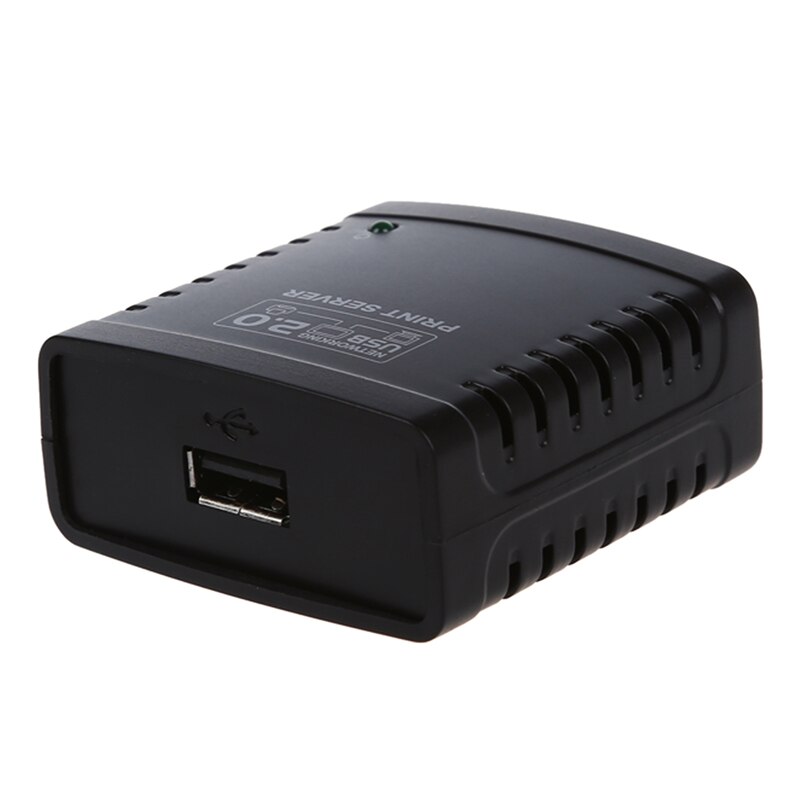
USB 2.0 Print Server - Ethernet Network LPR Sharing - for LAN Printers
Quick Answer
- Share one USB printer across your Ethernet network with this USB 2.0 print server.
- Supports LPR protocol for easy network printing from multiple computers.
- Connect your existing USB printer to the LAN without needing a dedicated PC.
- Ideal for home and small office environments seeking efficient printer sharing.
What is a USB Print Server?
A USB 2.0 print server allows you to connect a standard USB printer to your local area network (LAN), enabling multiple computers to share that single printer. This eliminates the need for a dedicated computer to be constantly running as a print host, saving energy and simplifying your setup.
How Does it Enable Network Printing?
This print server utilizes the LPR (Line Printer Remote) protocol, a common standard for network printing. Simply connect the print server to your router or switch via an Ethernet cable, connect your USB printer to the server's USB port, and configure it on your network. Your computers can then send print jobs to the server, which forwards them to the connected printer.
Key Features and Benefits
The Jakcom USB 2.0 Print Server offers a straightforward solution for printer sharing. Its compact design makes it easy to place on a desk or shelf. By enabling network access to your USB printer, it enhances productivity and reduces hardware costs in shared environments.
Specifications:
- Interface Type: USB 2.0
Frequently Asked Questions:
Can I connect multiple printers to this USB print server?
No, this USB 2.0 print server is designed to connect and share one USB printer at a time over your Ethernet network.
What network protocol does this print server use?
This print server supports the LPR (Line Printer Remote) protocol, which is a standard for network printing that allows multiple computers to access a shared printer.
Do I need a computer to share my printer with this device?
No, the print server allows you to connect your USB printer directly to your Ethernet network, eliminating the need for a dedicated computer to be always on for sharing.
What type of printer connection does it have?
It features a standard USB Type-A port for connecting your USB printer.
- Free shipping*
- 100 days returns
- Low prices
- 5 million products