- Free shipping*
- 100 days returns
- Low prices
- 5 million products
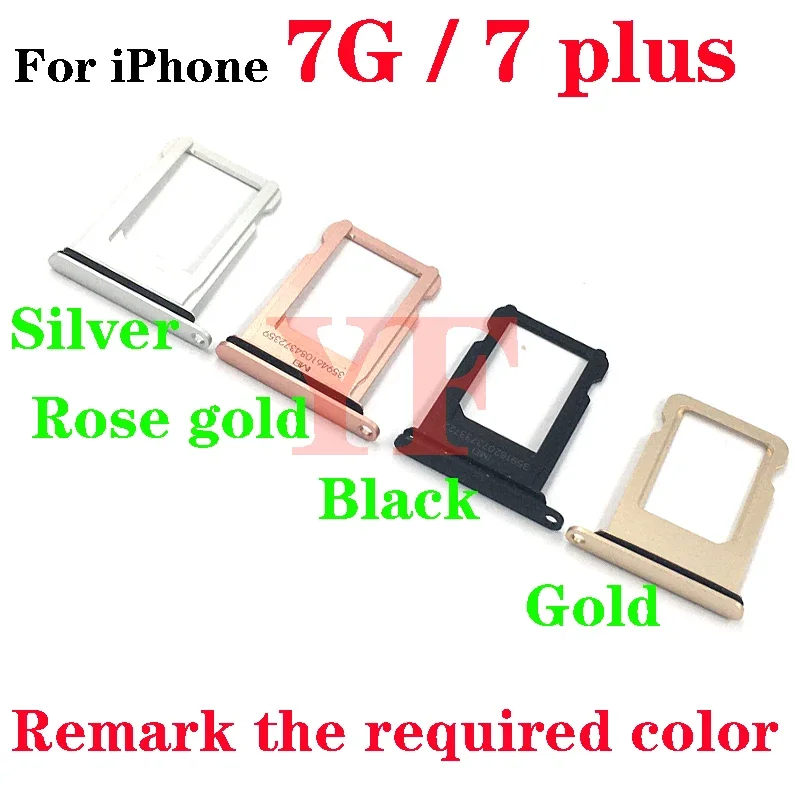
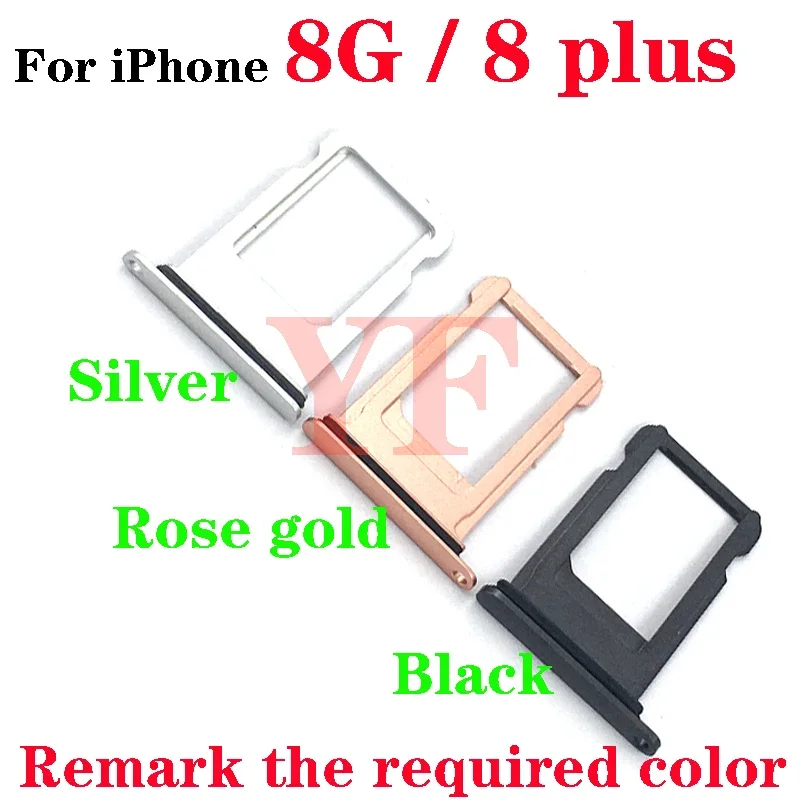
SIM Card Tray Holder - for iPhone 7 7G 8 8G Plus - Replacement Slot
Replacement SIM Card Tray for iPhone 7 & 8 Series
Quickly replace a lost or damaged SIM card tray with this high-quality part designed specifically for your iPhone 7, 7G, 8, 8G, or 8 Plus.
- Ensures a perfect fit for your device's SIM card slot.
- Durable construction for long-lasting use.
- Easy to install, restoring full functionality to your phone.
Why Replace Your SIM Card Tray?
A damaged or missing SIM card tray can prevent your iPhone from connecting to cellular networks, rendering it unable to make calls, send texts, or use mobile data. This replacement part is essential for restoring your phone's connectivity.
Compatibility and Installation
This SIM card tray is compatible with all variants of the iPhone 7, iPhone 7 Plus, iPhone 8, and iPhone 8 Plus. Installation is straightforward and typically requires no special tools, allowing for a quick repair.
Key Specifications
- Compatible Models: iPhone 7, 7G, 8, 8G, 8 Plus
- Function: Holds SIM card securely in place
- Material: Durable plastic/metal composite
Specifications:
- Product Type: SIM Card Tray
Frequently Asked Questions:
Which iPhone models is this SIM card tray compatible with?
This SIM card tray is compatible with the iPhone 7, iPhone 7 Plus, iPhone 8, and iPhone 8 Plus models.
Is this a genuine Apple part?
This is a replacement part designed to be compatible with the specified iPhone models. It is not an official Apple branded product.
How do I install the SIM card tray?
Installation is typically straightforward. You will need to eject the old tray using a SIM ejector tool or a small paperclip and then insert the new tray with your SIM card.
What should I do if my phone doesn't recognize the SIM card after installing the tray?
Ensure the SIM card is correctly seated in the tray and the tray is fully inserted. If issues persist, try reseating the SIM card or testing the SIM card in another device.
- Free shipping*
- 100 days returns
- Low prices
- 5 million products