- Free shipping*
- 100 days returns
- Low prices
- 5 million products
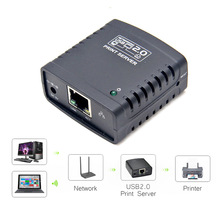
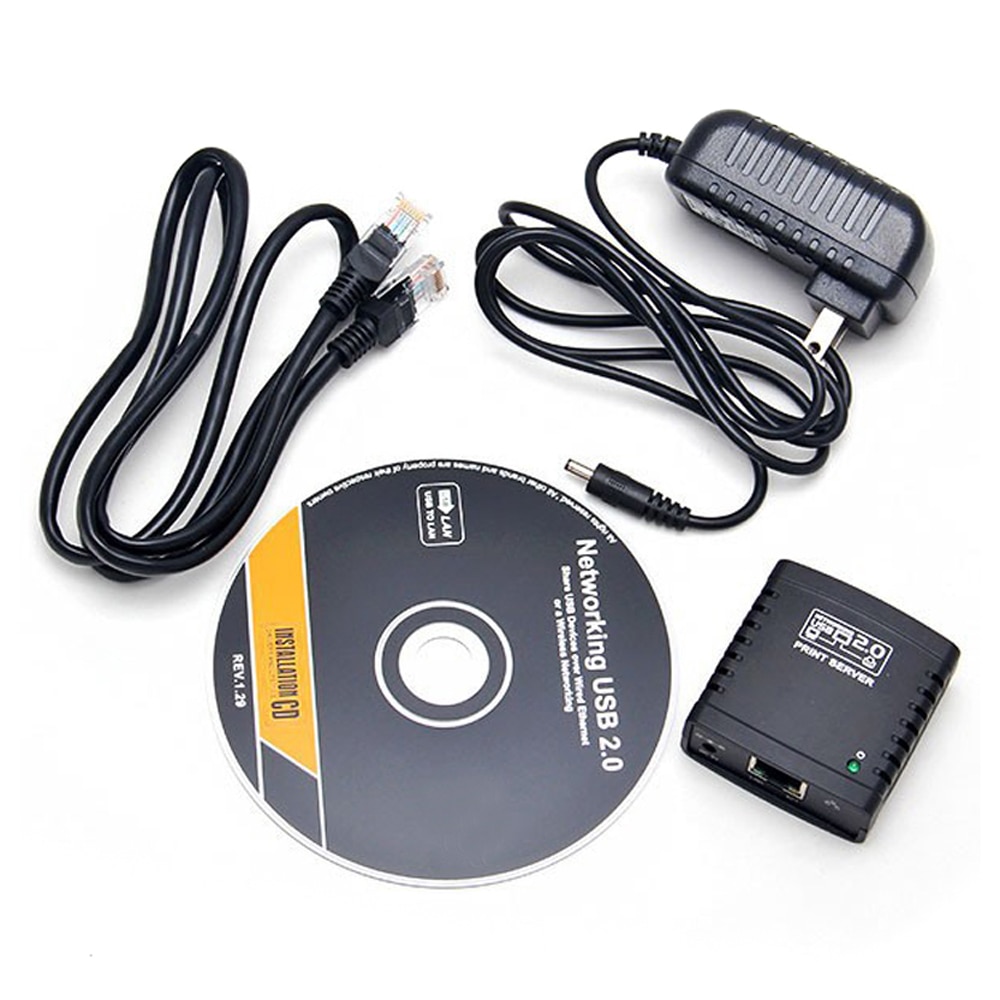
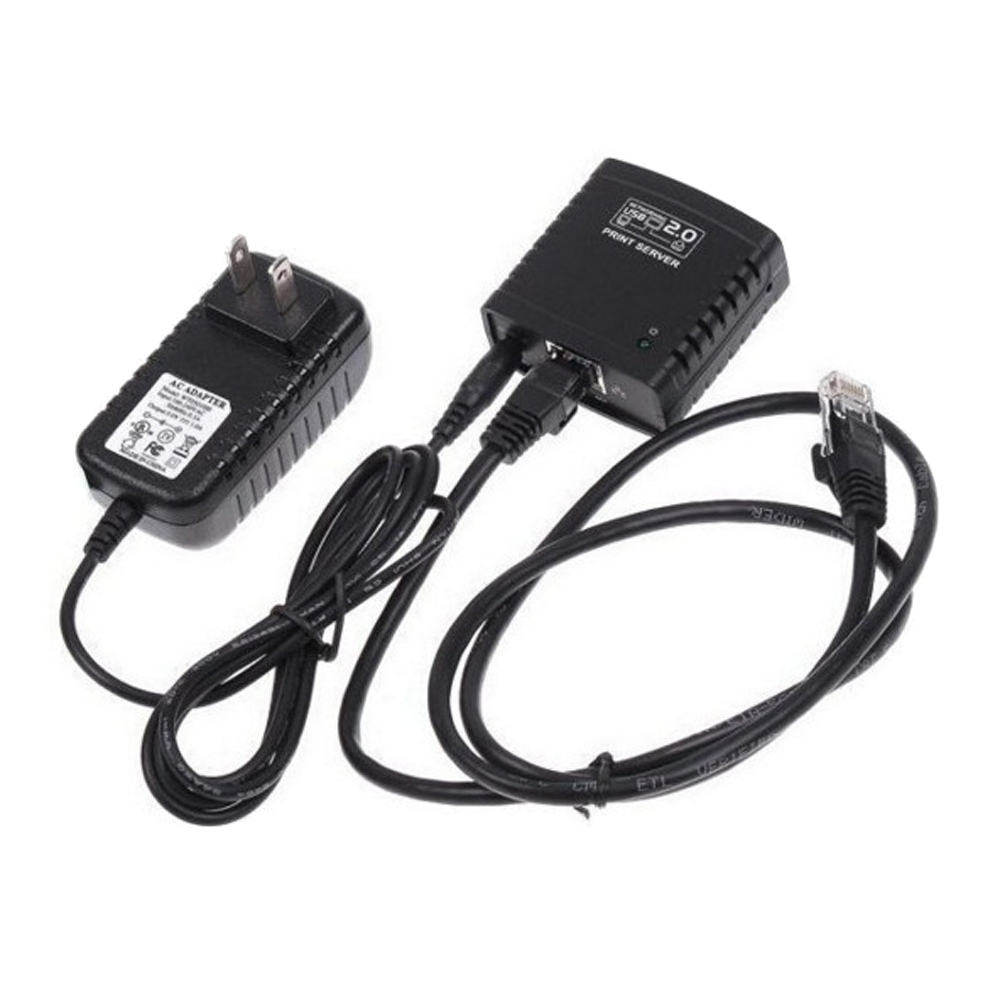
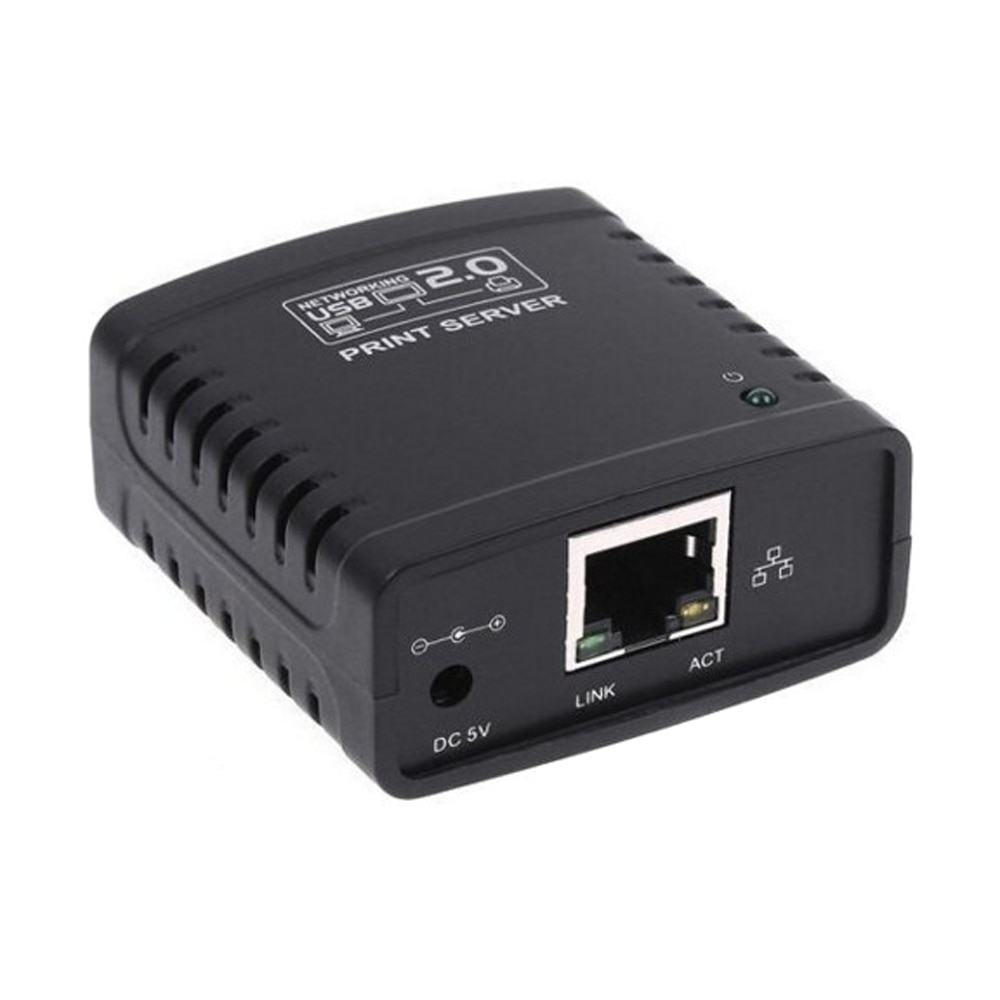
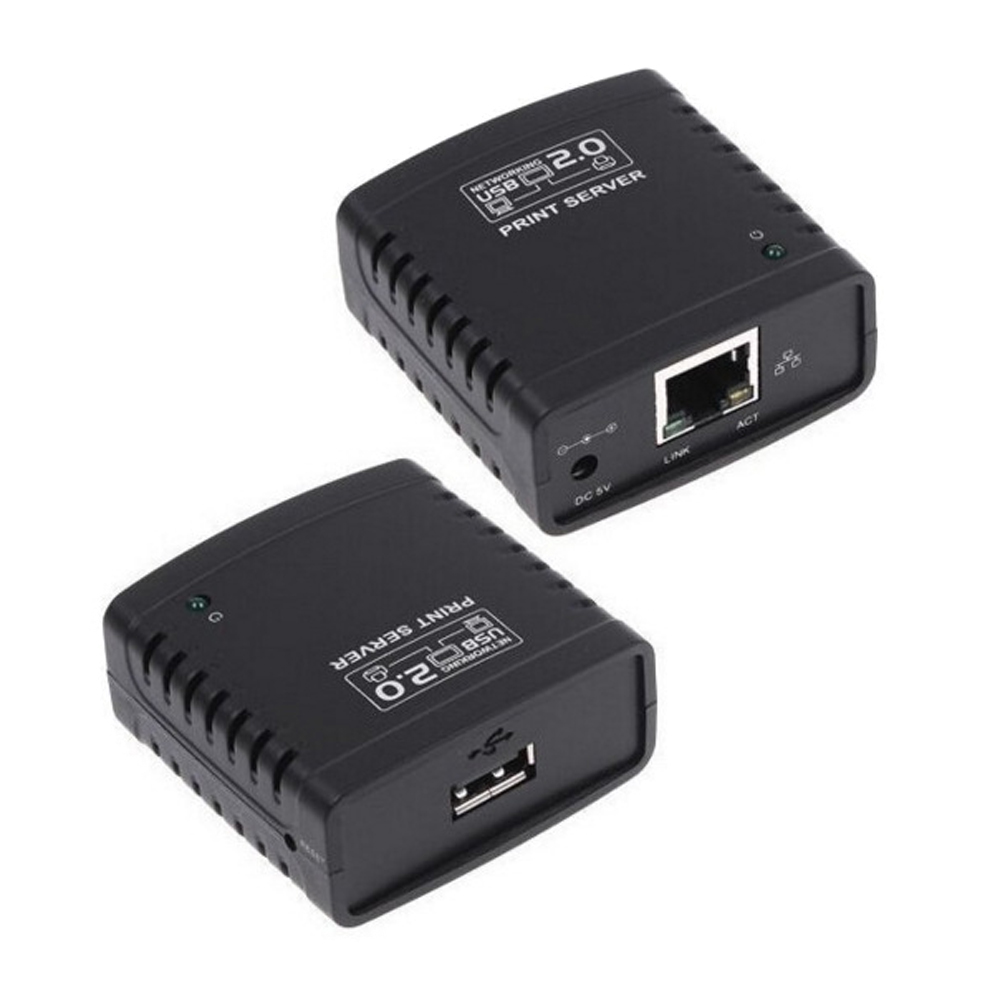
Print Server - USB 2.0 Ethernet 100Mbps - Share Printer via LAN - PS-1020
What is a Network Print Server?
A network print server allows you to share a USB printer with multiple computers on your local area network (LAN). This device connects your printer to your network, enabling any authorized user on the network to send print jobs to it without needing to be directly connected via USB.
Key Features of the PS-1020 Print Server
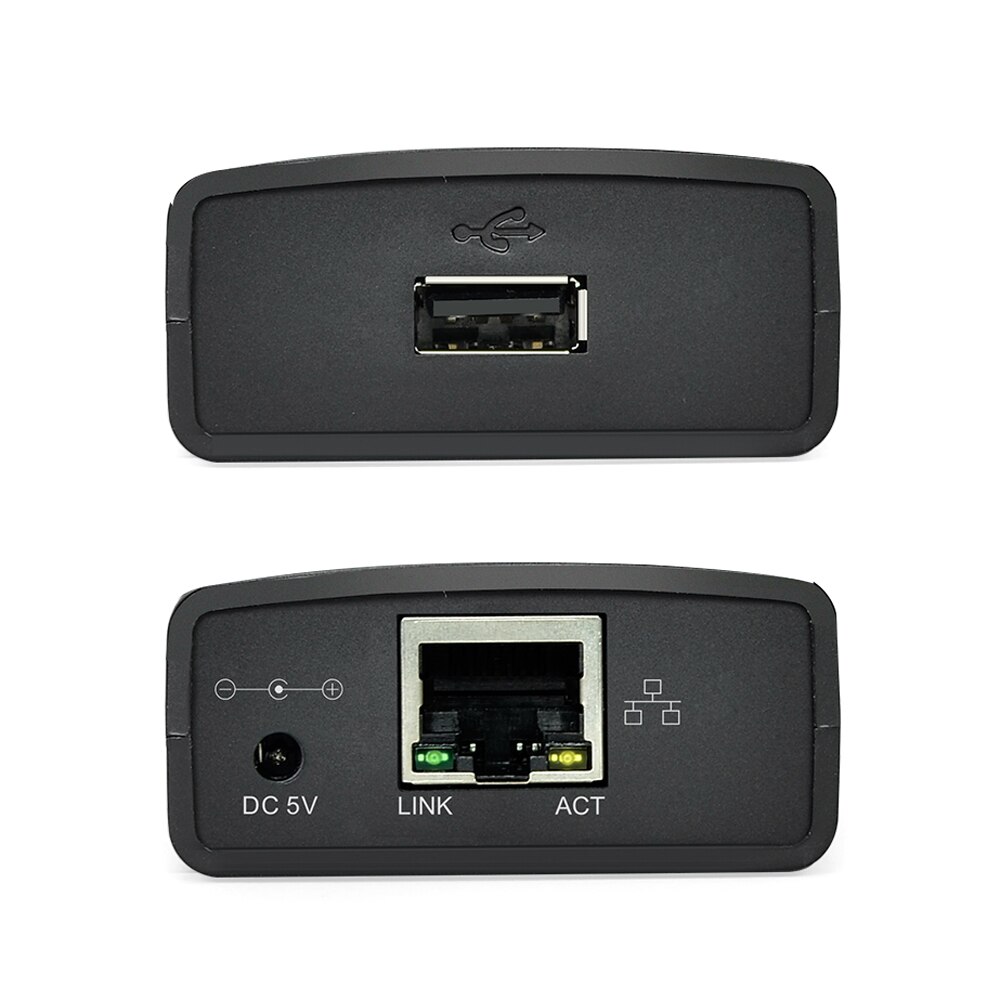
The SLINYA PS-1020 features a USB 2.0 interface for connecting your printer and an Ethernet port for network connectivity. It supports 100Mbps network speeds, ensuring efficient data transfer for your print jobs. The integrated USB hub functionality can also be useful for connecting other USB devices.
How to Set Up Your Print Server
Setting up the PS-1020 is straightforward. Connect your USB printer to the print server, then connect the print server to your router or switch using an Ethernet cable. Follow the included instructions to install the necessary drivers and software on your computers to enable network printing.
Specifications
- Interface Type: Ethernet
- Network Speed: 100Mbps
- USB Ports: 1x USB 2.0 (for printer), 1x USB Hub port
- Model Number: PS-1020
- Color: Black
- Brand: SLINYA
Specifications:
- Model Number: PS-1020
- Interface Type: Ethernet
- Color: Black
Frequently Asked Questions:
What is a print server used for?
A print server allows multiple computers on a network to share a single USB printer. It connects the printer to the network, making it accessible to all authorized users.
What network speed does this print server support?
This print server supports 100Mbps network speeds, providing efficient data transfer for your print jobs over the LAN.
Can I connect multiple printers to this device?
No, this print server is designed to share one USB printer at a time. It features a USB 2.0 port for the printer and an additional USB hub port.
What is the model number of this SLINYA print server?
The model number for this SLINYA print server is PS-1020. This helps in identifying the specific device for support or compatibility checks.
- Free shipping*
- 100 days returns
- Low prices
- 5 million products