- Free shipping*
- 100 days returns
- Low prices
- 5 million products

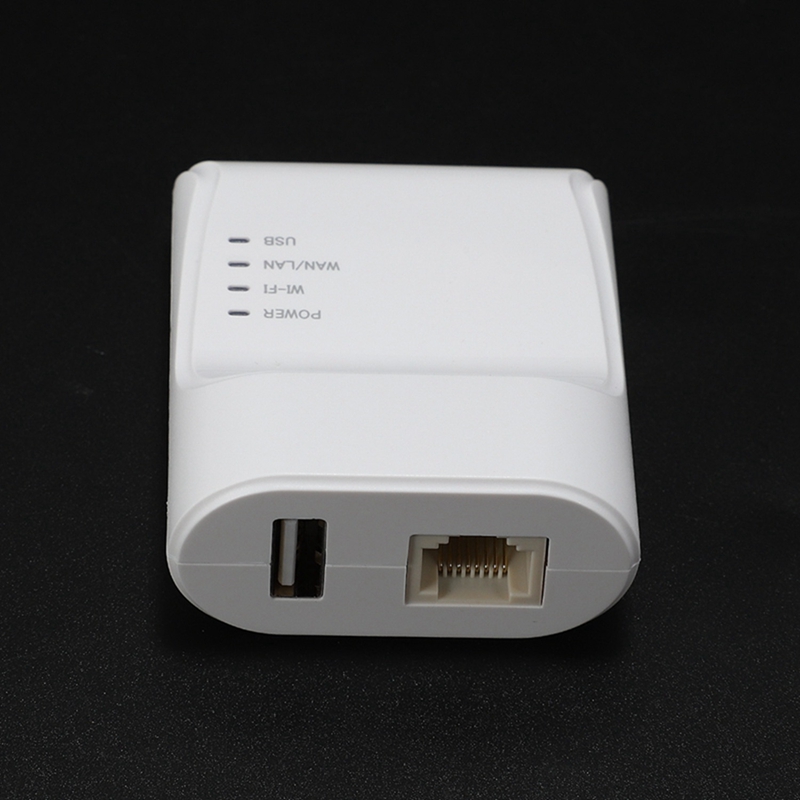

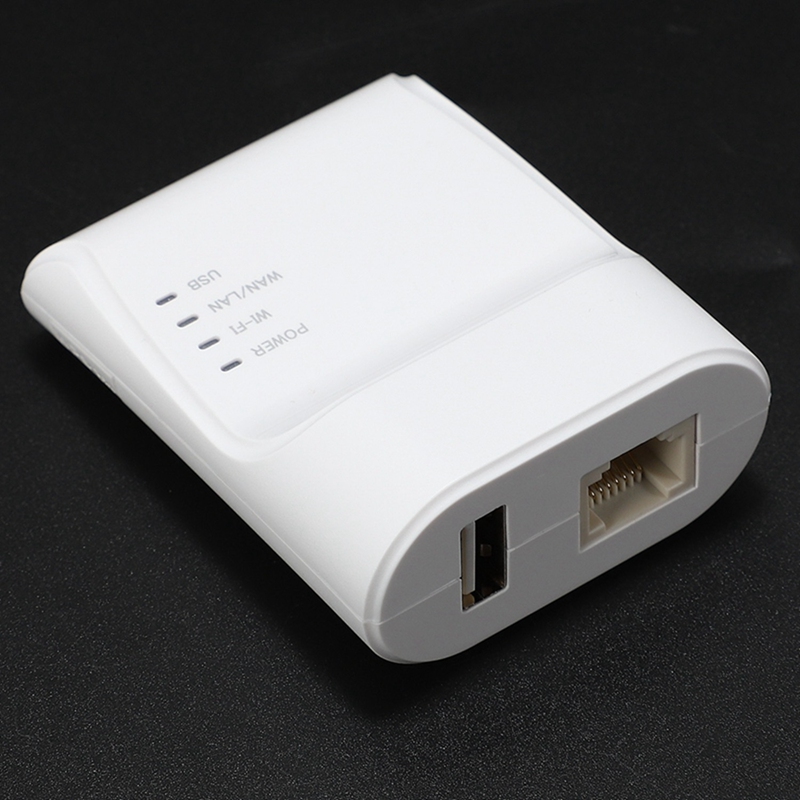

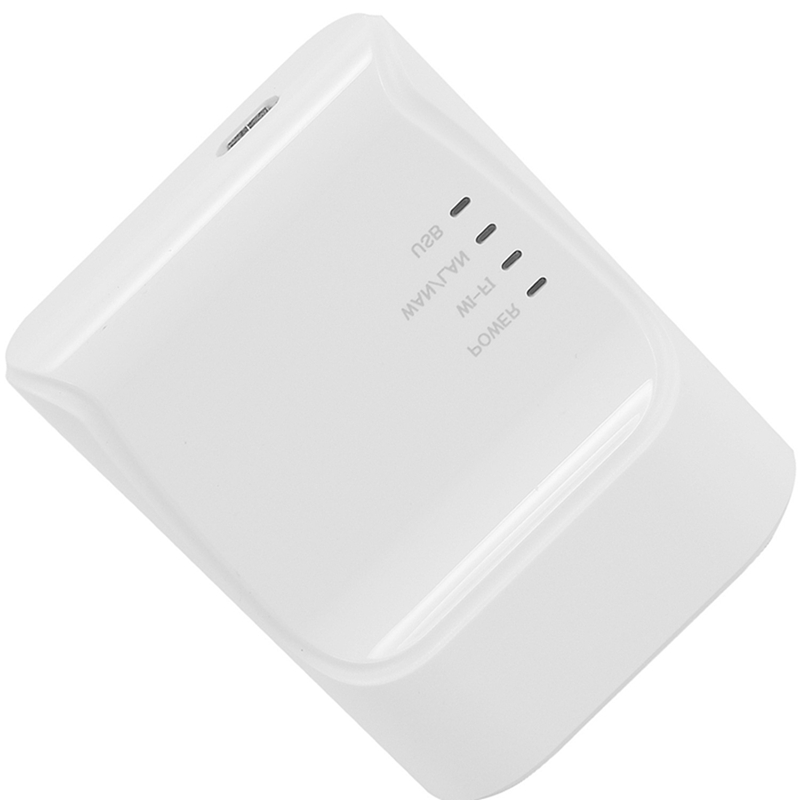
USB Printer Server Adapter - Auto Queue Connect for USB Printer Laptop PC - EU Plug
Share Your Printer Easily
Connect your USB printer to a network using the jakcom USB Printer Server Adapter. This device allows multiple computers to share a single USB printer, eliminating the need for direct connections and enabling convenient network printing.
Key Features and Specifications
This USB printer server supports wired network printing and features an auto queue function to manage print jobs efficiently. It boasts a print speed of 20ppm and a compact item size of 6.5 x 5.2 x 2.6 cm, weighing approximately 38g. The adapter uses a standard USB interface for connectivity and comes with an EU plug.
Is Network Printing Right for You?
If you have a USB printer and want to share it among several computers without dedicating a PC as a print server, this adapter is an ideal solution. It simplifies setup and management, making it perfect for small offices or home environments.
Specifications
Specifications:
- Supports Network Printing: Wired
- Print Speed: 20ppm
- Paper Feed Mode: Auto
- Item Weight: 38g
- Item Size: 6.5 x 5.2 x 2.6 cm
- Interface Type: USB
- Doublesided Printing: No
- Brand Name: jakcom
Frequently Asked Questions:
How do I connect my USB printer to the network?
Connect the USB printer to the adapter, and the adapter to your network via USB. Then, connect the adapter to your computer. The adapter facilitates network access to your printer.
What is the print speed of this USB printer server?
The printer server supports a print speed of up to 20 pages per minute (ppm). This speed is dependent on the connected printer's capabilities.
Does this adapter support wireless printing?
No, this is a wired network printer server. It requires a physical USB connection to your printer and a wired connection to your network.
What type of plug does this printer server use?
The printer server comes with an EU plug, suitable for power outlets in most European countries.
- Free shipping*
- 100 days returns
- Low prices
- 5 million products